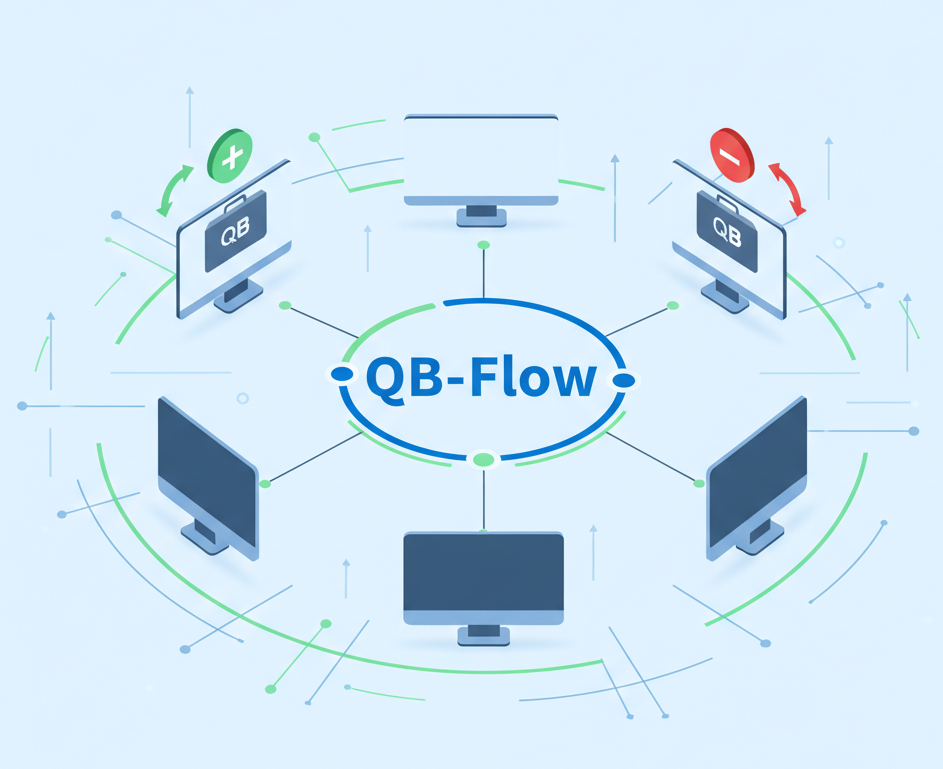
Stop Babysitting Your Books: Why QuickBooks Desktop Updates Are Killing Your Efficiency (And How to Automate Them)
.jpg)

Stop Babysitting Your Books: Why QuickBooks Desktop Updates Are Killing Your Efficiency (And How to Automate Them)
You didn't start a business to stare at a progress bar. If you're manually running updates on QuickBooks Desktop, you're losing hours of billable time every month. For small and medium-sized businesses, every minute spent on tedious, repetitive tasks is a minute lost on growth, innovation, and serving your customers.
The Problem: The Endless Cycle of QuickBooks Desktop Updates
We've all been there: you're in the middle of a critical task, trying to close out a month, or preparing essential reports, and then- "QuickBooks needs to update." This isn't just a minor inconvenience; it's a significant disruption that leads to:
- Interrupted Workflows: Stopping what you're doing to manage updates breaks focus and reduces productivity.
- Version Conflicts: Running different versions across multiple machines can lead to data inconsistencies and integration headaches.
- Fear of Breaking Integrations: Every update brings a subtle anxiety- will it mess up that custom report or critical third-party integration you rely on?
- Lost Billable Hours: Those minutes you spend "babysitting" your software add up to hours, then days, effectively stealing productive time from your business.
This "update fatigue" is a real challenge for businesses striving for efficiency.
The 2025 Landscape: Desktop's Enduring Power, Modern Management Needs
While cloud-based accounting solutions are prevalent and offer many benefits, QuickBooks Desktop remains the preferred choice for countless power users. Its robust feature set, deep customization capabilities, and familiar interface keep it anchored as the central financial hub for many businesses. However, the desktop environment demands a proactive, modern approach to management, especially when it comes to maintenance and updates. Relying on manual processes for critical software like QuickBooks Desktop in today's fast-paced digital world is simply no longer sustainable.
The Solution: QB-Flow - Your Invisible Employee for QuickBooks Maintenance
Imagine if your QuickBooks Desktop updates, backups, and even light health checks could simply happen- without you having to lift a finger. That's precisely what QB-Flow offers. We've engineered QB-Flow not just as a tool, but as your invisible employee, silently handling the maintenance that keeps your financial systems humming. It works overnight, in the background, ensuring your QuickBooks Desktop is always updated, optimized, and ready for you when you start your day.
How QB-Flow Transforms Your QuickBooks Management:
- Automated Updates: Say goodbye to manual installations and reboots. QB-Flow manages updates seamlessly.
- Scheduled Tasks: Automate data backups, company file optimization, and other routine maintenance tasks.
- Reduced Downtime: By handling tasks off-hours, your team experiences minimal disruption during peak productivity.
- Enhanced Reliability: Ensures all QuickBooks Desktop instances are running consistent, up-to-date versions.
The "Secret" Sauce: Intelligent Automation with Power Automate
At FlowDevs, we specialize in unlocking efficiency through intelligent automation. QB-Flow is powerful on its own, but its true magic lies in its ability to integrate with broader automation strategies using platforms like Power Automate. Think of the possibilities:
- Receiving an automated alert via email or Teams once all QuickBooks updates are successfully completed.
- Triggering a data sync to other business systems only after verifying that QuickBooks is updated and operational.
- Automating data exports for reporting scheduled for after an update window.
This level of integration and intelligent workflow design is what transforms routine tasks into a completely hands-off experience, freeing your team to focus on what truly matters.
Stop the Manual Madness- Experience True Automation
You started your business to lead, to create, and to innovate- not to manage software updates. With QB-Flow, you can reclaim those lost hours and redirect your focus to strategic growth. It's time to empower your business with true automation.
Want to see your accounting run on autopilot? Stop letting manual updates drain your efficiency. Download our QB-Flow One-Pager to learn more, or simply book a demo with us to discover how FlowDevs can help you implement intelligent solutions that streamline your operations and drive real-world results.
Stop Babysitting Your Books: Why QuickBooks Desktop Updates Are Killing Your Efficiency (And How to Automate Them)
You didn't start a business to stare at a progress bar. If you're manually running updates on QuickBooks Desktop, you're losing hours of billable time every month. For small and medium-sized businesses, every minute spent on tedious, repetitive tasks is a minute lost on growth, innovation, and serving your customers.
The Problem: The Endless Cycle of QuickBooks Desktop Updates
We've all been there: you're in the middle of a critical task, trying to close out a month, or preparing essential reports, and then- "QuickBooks needs to update." This isn't just a minor inconvenience; it's a significant disruption that leads to:
- Interrupted Workflows: Stopping what you're doing to manage updates breaks focus and reduces productivity.
- Version Conflicts: Running different versions across multiple machines can lead to data inconsistencies and integration headaches.
- Fear of Breaking Integrations: Every update brings a subtle anxiety- will it mess up that custom report or critical third-party integration you rely on?
- Lost Billable Hours: Those minutes you spend "babysitting" your software add up to hours, then days, effectively stealing productive time from your business.
This "update fatigue" is a real challenge for businesses striving for efficiency.
The 2025 Landscape: Desktop's Enduring Power, Modern Management Needs
While cloud-based accounting solutions are prevalent and offer many benefits, QuickBooks Desktop remains the preferred choice for countless power users. Its robust feature set, deep customization capabilities, and familiar interface keep it anchored as the central financial hub for many businesses. However, the desktop environment demands a proactive, modern approach to management, especially when it comes to maintenance and updates. Relying on manual processes for critical software like QuickBooks Desktop in today's fast-paced digital world is simply no longer sustainable.
The Solution: QB-Flow - Your Invisible Employee for QuickBooks Maintenance
Imagine if your QuickBooks Desktop updates, backups, and even light health checks could simply happen- without you having to lift a finger. That's precisely what QB-Flow offers. We've engineered QB-Flow not just as a tool, but as your invisible employee, silently handling the maintenance that keeps your financial systems humming. It works overnight, in the background, ensuring your QuickBooks Desktop is always updated, optimized, and ready for you when you start your day.
How QB-Flow Transforms Your QuickBooks Management:
- Automated Updates: Say goodbye to manual installations and reboots. QB-Flow manages updates seamlessly.
- Scheduled Tasks: Automate data backups, company file optimization, and other routine maintenance tasks.
- Reduced Downtime: By handling tasks off-hours, your team experiences minimal disruption during peak productivity.
- Enhanced Reliability: Ensures all QuickBooks Desktop instances are running consistent, up-to-date versions.
The "Secret" Sauce: Intelligent Automation with Power Automate
At FlowDevs, we specialize in unlocking efficiency through intelligent automation. QB-Flow is powerful on its own, but its true magic lies in its ability to integrate with broader automation strategies using platforms like Power Automate. Think of the possibilities:
- Receiving an automated alert via email or Teams once all QuickBooks updates are successfully completed.
- Triggering a data sync to other business systems only after verifying that QuickBooks is updated and operational.
- Automating data exports for reporting scheduled for after an update window.
This level of integration and intelligent workflow design is what transforms routine tasks into a completely hands-off experience, freeing your team to focus on what truly matters.
Stop the Manual Madness- Experience True Automation
You started your business to lead, to create, and to innovate- not to manage software updates. With QB-Flow, you can reclaim those lost hours and redirect your focus to strategic growth. It's time to empower your business with true automation.
Want to see your accounting run on autopilot? Stop letting manual updates drain your efficiency. Download our QB-Flow One-Pager to learn more, or simply book a demo with us to discover how FlowDevs can help you implement intelligent solutions that streamline your operations and drive real-world results.
Related Blog Posts
From "We Should Post More" to a System That Ships Weekly
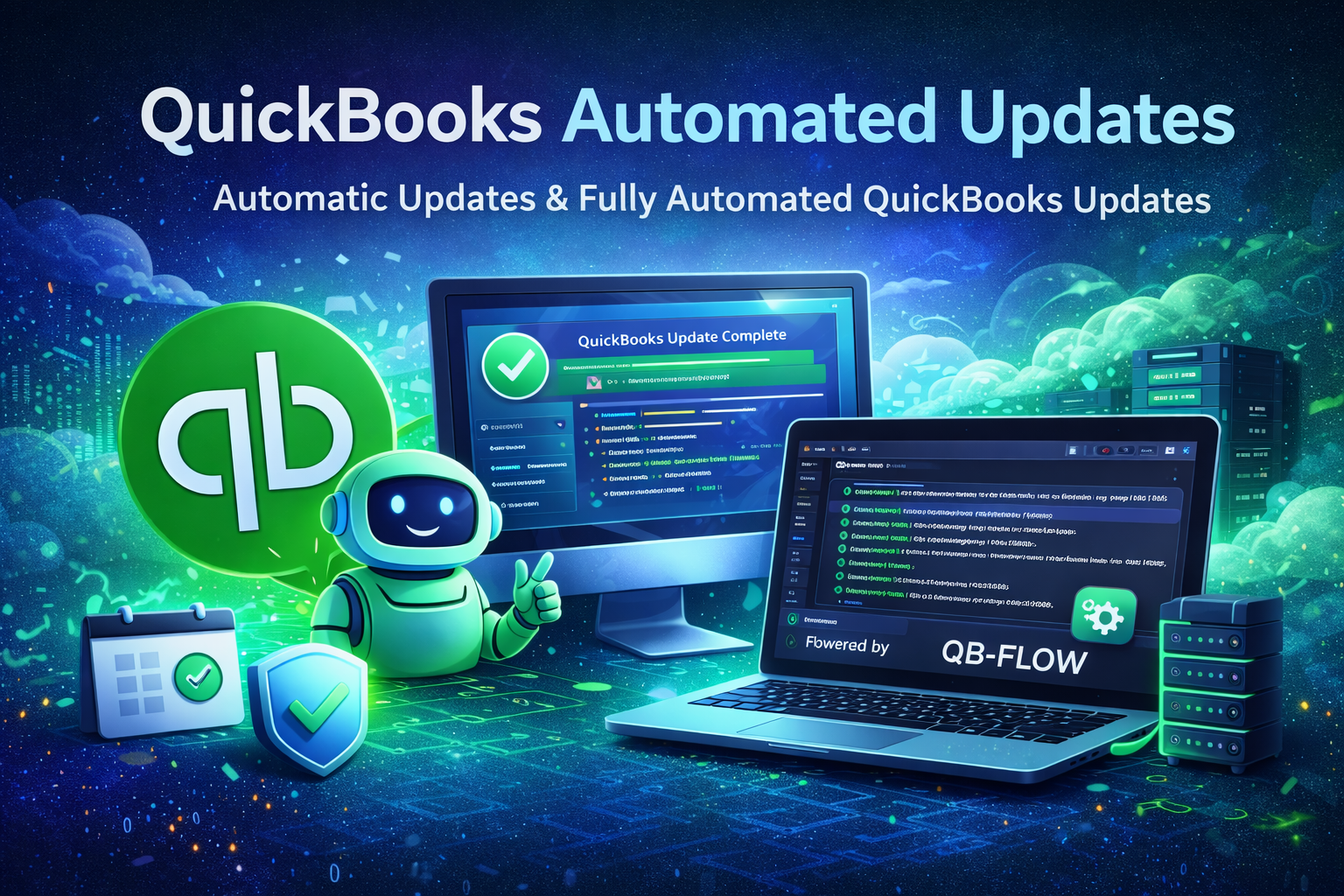
QuickBooks Automated Updates: Automatic Updates (and Fully Automated QuickBooks Updates) with FlowDevs QB-Flow