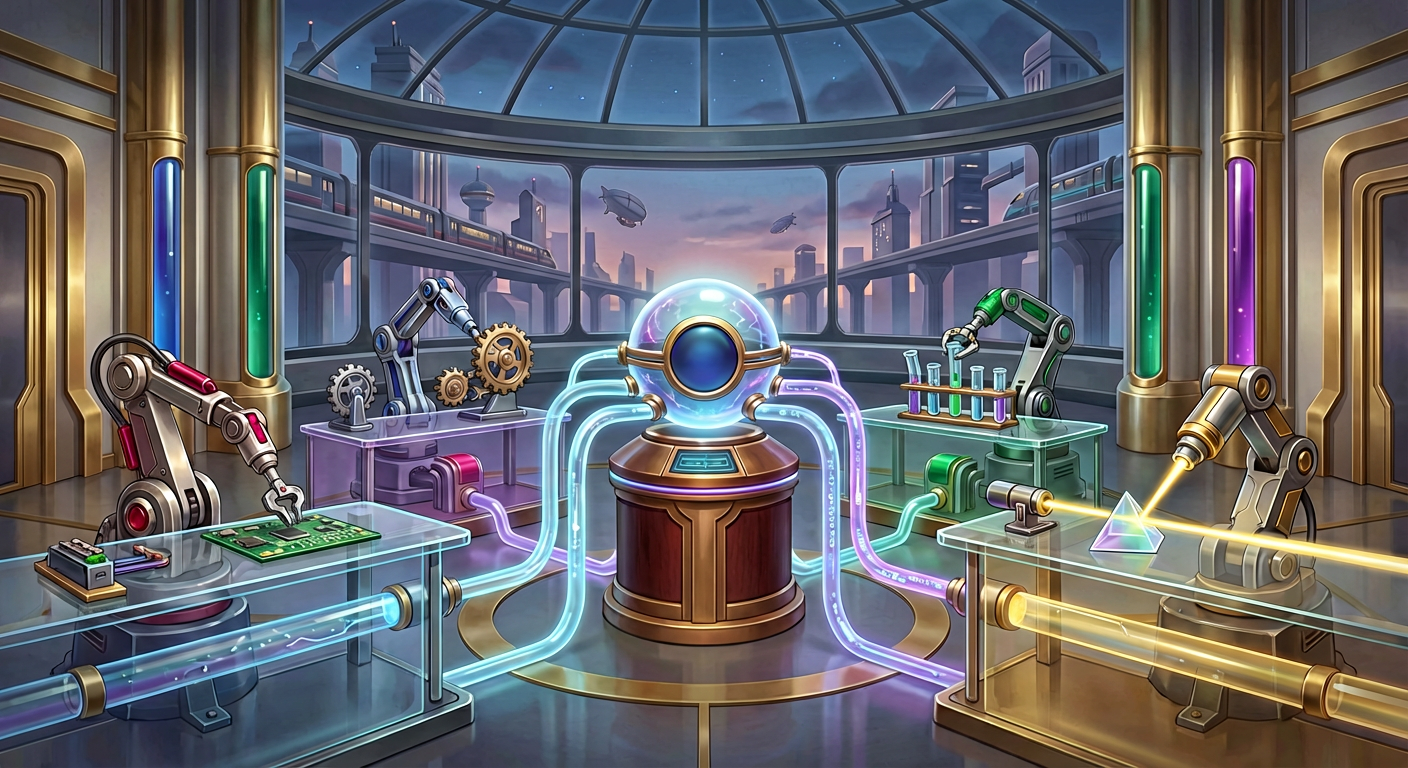
Codex CLI has introduced experimental multi-agent workflows, allowing developers to spawn specialized agents in parallel to handle complex tasks like codebase exploration, batch auditing, and multi-step feature implementation. Instead of relying on a single AI context to handle every aspect of a request, you can now orchestrate a team of specialized agents—orchestrated by Codex—to work simultaneously and consolidate their findings into a single, comprehensive response.
Why Parallel AI Collaboration Matters
In traditional AI coding assistance, a single agent attempts to hold all context, logic, and execution steps in one linear thread. For complex requests, this often leads to context rot or stalled execution. With multi-agent workflows, you can break down a monolithic task into distinct parallel streams.
At FlowDevs, we believe that intelligent automation is the key to unlocking business efficiency. By utilizing features like this in Codex CLI, integrated teams can move significantly faster. For example, instead of waiting for an agent to serially check security, code quality, and test coverage, you can prompt Codex to spawn three distinct agents to perform these reviews simultaneously.
How to Enable Experimental Multi-Agent Features
Because these capabilities are currently classified as experimental features, they must be explicitly enabled. You can do this directly through the CLI or by modifying your configuration file.
To enable it via the CLI interactively:
- Run
/experimentalin the prompt. - Select "Enable Multi-agents".
- Restart Codex.
Alternatively, users preferring infrastructure-as-code approaches can update their ~/.codex/config.toml file:
[features]
multi_agent = true
Once enabled, the activity is surfaced directly in the CLI, showing you exactly when sub-agents are spawned, running, or reporting back results.
Scaling Work with CSV Batch Processing
One of the most powerful developer tools included in this update is the ability to process CSV batches with sub-agents. This is particularly useful for repetitive audits, such as checking a list of migration targets or generating structured summaries for hundreds of components.
Using the spawn_agents_on_csv tool, you can instruct Codex to read a source CSV and spawn one worker sub-agent per row. For instance, you could run a mass audit on frontend components with a prompt like this:
"Review {path} owned by {owner}. Return JSON with keys path, risk, summary, and follow_up via report_agent_job_result."
Codex handles the concurrency, managing up to the limit defined in your agents.max_threads setting, and exports a final CSV containing the original data merged with the AI-generated results. This turns hours of manual auditing into a single automated workflow.
Defining Specialized Agent Roles
To get the most out of AI collaboration, you should move beyond generic prompts and define specialized roles. In your project configuration, you can assign specific behaviors, models, and permissions to different types of agents.
A robust setup might include:
- Explorer: A read-only agent that maps the codebase and gathers evidence using a faster model.
- Reviewer: A high-reasoning model focused on correctness, security, and test risks.
- Worker: An execution-focused agent that implements fixes.
By defining these roles in your layout.toml or config.toml, you ensure that the agent exploring your code isn't accidentally rewriting it, and the agent fixing bugs is laser-focused on implementation rather than discovery.
At FlowDevs, we help organizations design these intelligent architectures. Whether it is configuring Codex roles or building custom Copilot Studio solutions, we ensure your tools align with your business logic.
Frequently Asked Questions
Are multi-agent workflows safe to run on production code?
Yes, sub-agents inherit your current sandbox policy. If you are in a secure, read-only mode, the spawned agents will respect those boundaries. Furthermore, any action requiring approval (like writing to a file) will surface a request to the main thread, giving you full control over the operation.
Can I see multi-agent activity in my IDE?
Currently, multi-agent activity is surfaced only in the CLI. Visibility in other surfaces, such as the Codex app and IDE extensions, is planned for future updates.
What happens if an agent fails during a batch process?
If a worker exits without reporting a result during a CSV batch job, that specific row is marked as failed in the exported CSV. The main process continues, ensuring that one hiccup does not crash the entire audit.
Optimizing Your Development Strategy
Adopting multi-agent workflows represents a shift from simple code completion to true autonomous assistance. By orchestrating specialized agents, you reduce the cognitive load on developers and increase the speed of complex refactors and reviews.
If you are looking to integrate advanced AI strategies into your development pipeline or need assistance configuring scalable cloud infrastructure for your tools, FlowDevs is here to partner with you. We specialize in bringing technical visions to life through custom integration and intelligent automation.
Ready to streamline your complex workflows? Book a consultation with our team today.
Check out this post on Techne Blog.
Codex CLI has introduced experimental multi-agent workflows, allowing developers to spawn specialized agents in parallel to handle complex tasks like codebase exploration, batch auditing, and multi-step feature implementation. Instead of relying on a single AI context to handle every aspect of a request, you can now orchestrate a team of specialized agents—orchestrated by Codex—to work simultaneously and consolidate their findings into a single, comprehensive response.
Why Parallel AI Collaboration Matters
In traditional AI coding assistance, a single agent attempts to hold all context, logic, and execution steps in one linear thread. For complex requests, this often leads to context rot or stalled execution. With multi-agent workflows, you can break down a monolithic task into distinct parallel streams.
At FlowDevs, we believe that intelligent automation is the key to unlocking business efficiency. By utilizing features like this in Codex CLI, integrated teams can move significantly faster. For example, instead of waiting for an agent to serially check security, code quality, and test coverage, you can prompt Codex to spawn three distinct agents to perform these reviews simultaneously.
How to Enable Experimental Multi-Agent Features
Because these capabilities are currently classified as experimental features, they must be explicitly enabled. You can do this directly through the CLI or by modifying your configuration file.
To enable it via the CLI interactively:
- Run
/experimentalin the prompt. - Select "Enable Multi-agents".
- Restart Codex.
Alternatively, users preferring infrastructure-as-code approaches can update their ~/.codex/config.toml file:
[features]
multi_agent = true
Once enabled, the activity is surfaced directly in the CLI, showing you exactly when sub-agents are spawned, running, or reporting back results.
Scaling Work with CSV Batch Processing
One of the most powerful developer tools included in this update is the ability to process CSV batches with sub-agents. This is particularly useful for repetitive audits, such as checking a list of migration targets or generating structured summaries for hundreds of components.
Using the spawn_agents_on_csv tool, you can instruct Codex to read a source CSV and spawn one worker sub-agent per row. For instance, you could run a mass audit on frontend components with a prompt like this:
"Review {path} owned by {owner}. Return JSON with keys path, risk, summary, and follow_up via report_agent_job_result."
Codex handles the concurrency, managing up to the limit defined in your agents.max_threads setting, and exports a final CSV containing the original data merged with the AI-generated results. This turns hours of manual auditing into a single automated workflow.
Defining Specialized Agent Roles
To get the most out of AI collaboration, you should move beyond generic prompts and define specialized roles. In your project configuration, you can assign specific behaviors, models, and permissions to different types of agents.
A robust setup might include:
- Explorer: A read-only agent that maps the codebase and gathers evidence using a faster model.
- Reviewer: A high-reasoning model focused on correctness, security, and test risks.
- Worker: An execution-focused agent that implements fixes.
By defining these roles in your layout.toml or config.toml, you ensure that the agent exploring your code isn't accidentally rewriting it, and the agent fixing bugs is laser-focused on implementation rather than discovery.
At FlowDevs, we help organizations design these intelligent architectures. Whether it is configuring Codex roles or building custom Copilot Studio solutions, we ensure your tools align with your business logic.
Frequently Asked Questions
Are multi-agent workflows safe to run on production code?
Yes, sub-agents inherit your current sandbox policy. If you are in a secure, read-only mode, the spawned agents will respect those boundaries. Furthermore, any action requiring approval (like writing to a file) will surface a request to the main thread, giving you full control over the operation.
Can I see multi-agent activity in my IDE?
Currently, multi-agent activity is surfaced only in the CLI. Visibility in other surfaces, such as the Codex app and IDE extensions, is planned for future updates.
What happens if an agent fails during a batch process?
If a worker exits without reporting a result during a CSV batch job, that specific row is marked as failed in the exported CSV. The main process continues, ensuring that one hiccup does not crash the entire audit.
Optimizing Your Development Strategy
Adopting multi-agent workflows represents a shift from simple code completion to true autonomous assistance. By orchestrating specialized agents, you reduce the cognitive load on developers and increase the speed of complex refactors and reviews.
If you are looking to integrate advanced AI strategies into your development pipeline or need assistance configuring scalable cloud infrastructure for your tools, FlowDevs is here to partner with you. We specialize in bringing technical visions to life through custom integration and intelligent automation.
Ready to streamline your complex workflows? Book a consultation with our team today.
Check out this post on Techne Blog.