You have just finished building a sleek, responsive application using Lovable. It looks fantastic in the browser, the interactions are snappy, and the user interface is polished to perfection. You are ready to share it with the world.
But then you paste the URL into ChatGPT to ask it a question about your content. The result? It hallucinates, or it simply tells you it cannot read the page. Or perhaps you paste the link into Discord or Slack, expecting a beautiful preview card with your carefully crafted Open Graph image. Instead, you get a broken image icon or a generic, empty box. This can be particularly frustrating for developers who are already adept at using ChatGPT to troubleshoot Lovable issues or generating code for their apps, as the AI's inability to "see" the live app creates a communication barrier.
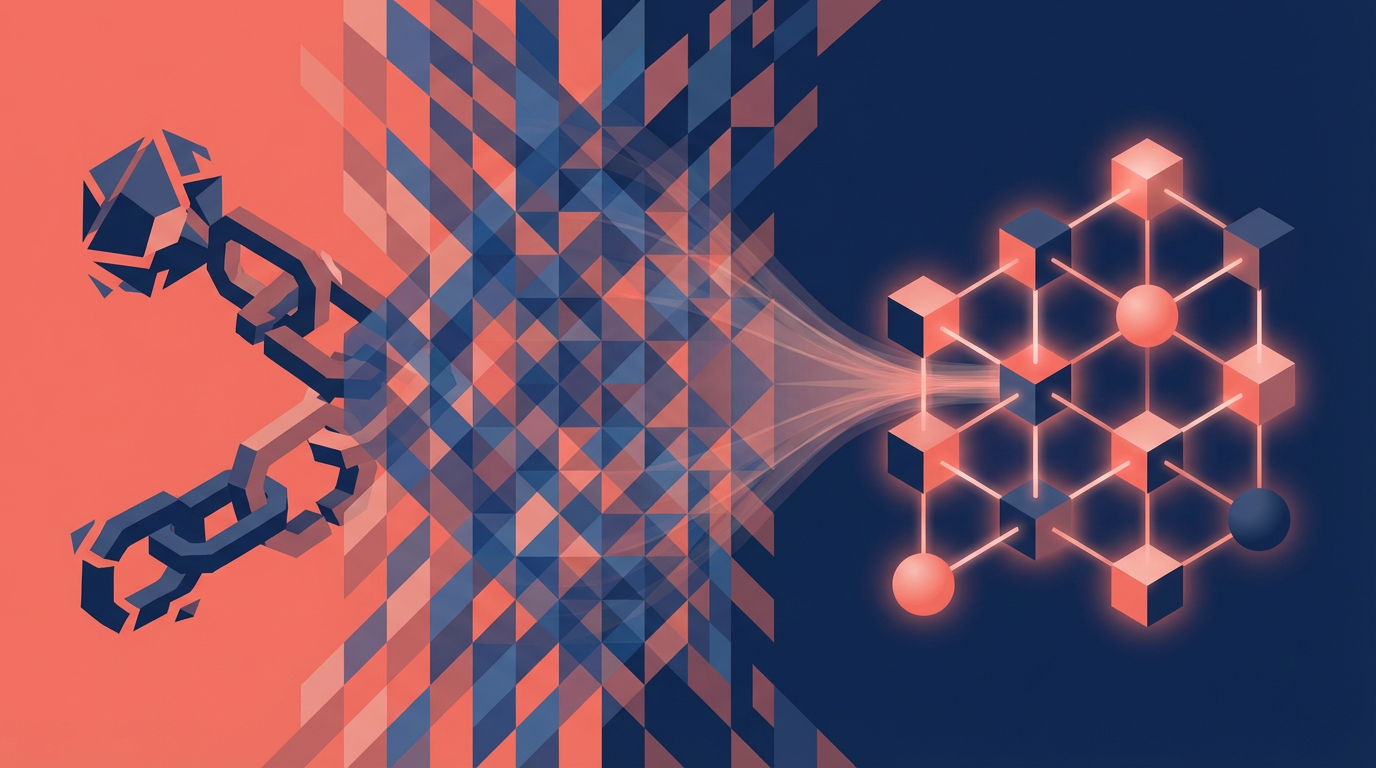
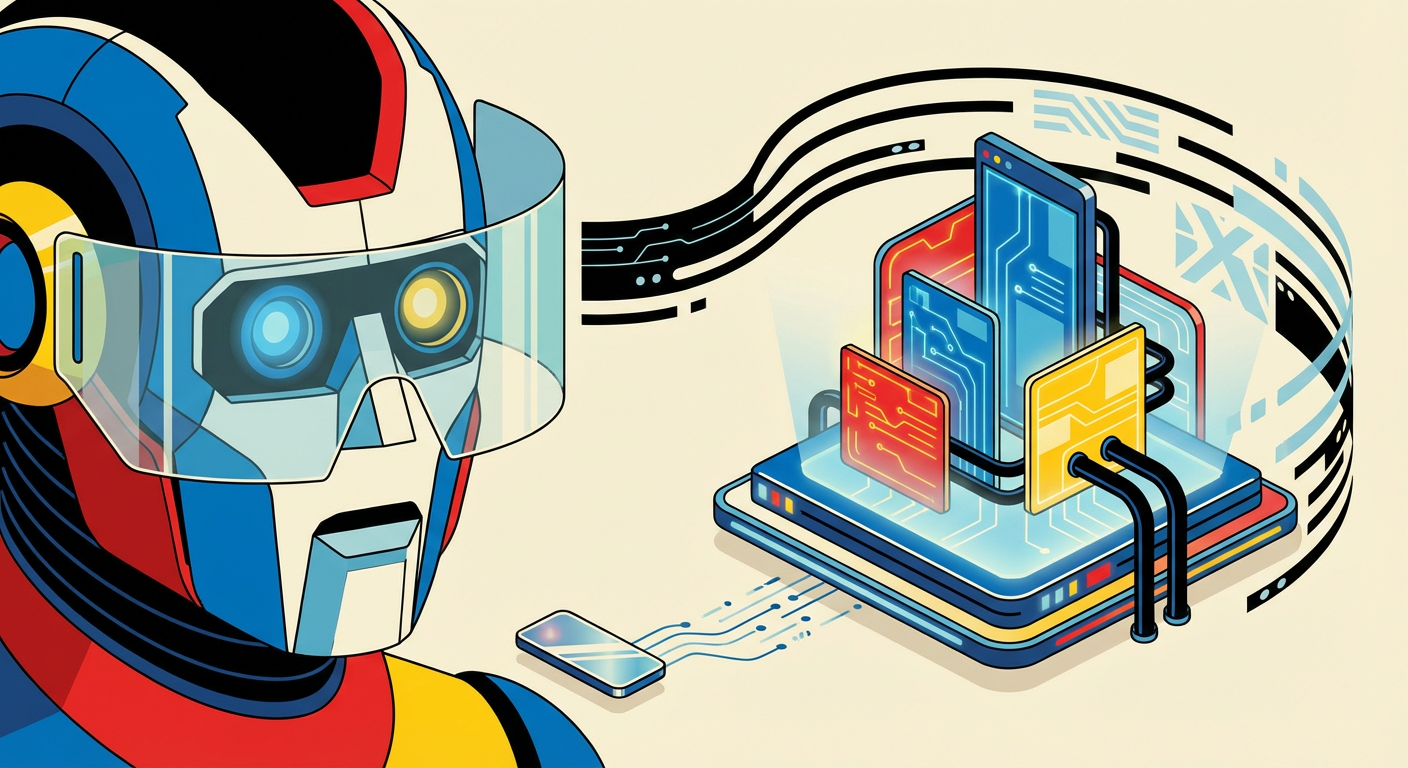
The problem isn't your design. The problem is how modern AI agents and bots read the web. Your Lovable app is effectively invisible to them. But don't worry, there is a fix. By using a Cloudflare Worker and Prerender.io, we can make sure your application is seen exactly the way intended.
The Problem: HTML vs. JavaScript
To understand why this happens, we have to look under the hood. Lovable applications are typically Single Page Applications (SPAs). When a human visits your site, their browser downloads a very small HTML shell and then fetches a JavaScript bundle. That JavaScript executes, fetches data, and "paints" the page for the user.
However, when an AI Agent (like ChatGPT) or a Crawler (like Twitterbot) visits your site, they behave differently:
- They want speed: They often grab the initial HTML and stop there.
- They don't wait for JS: Many bots do not execute JavaScript at all.
- They parse raw HTML: ChatGPT parses the text directly from the HTML response to understand context.
Because your app renders on the client side, these agents hit your URL and see this:
<body>
<div></div>
<script src="/bundle.js"></script>
</body>
To a bot, your website is literally empty. There is no text to read, and there are no meta tags for social previews. This is why ChatGPT cannot "read" your site and why your link previews look broken. This is a common hurdle for developers working with Lovable apps, often leading to frustration about credits or making the "Fix it" button in Lovable less effective, as the AI doesn't have the full context of the rendered page.
The Solution: Dynamic Rendering
We do not want to stop using Lovable or move to a complex server-side framework just to please the bots. Instead, we use a strategy called Dynamic Rendering.
We will place a Cloudflare Worker in front of your site to act as a traffic controller. Here is the logic:
- If a Human visits: The Worker lets them through to the normal Lovable app. They get the fast, interactive experience they expect.
- If a Bot visits: The Worker detects the "User-Agent" string. It detours the request to Prerender.io.
Prerender.io opens your site in a headless browser, waits for the JavaScript to finish, renders the full DOM (including your images and text), and sends that static HTML back to the bot. The bot gets a snapshot of the fully loaded page, while real users get the live app.
Step-by-Step Implementation
Here is how to set up the middleware that makes your Lovable app visible to the world.
1. Set up Prerender.io
Sign up here: prerender.io
First, create an account on Prerender.io. You will need your unique Prerender Token for the next step. This service does the heavy lifting of rendering your JavaScript into static HTML.
2. Create the Cloudflare Worker
In your Cloudflare dashboard, navigate to Workers & Pages and create a new Worker. We need a script that checks who is knocking at the door. If it is a known bot (like ChatGPT, Slack, or Twitter), we proxy the request.
3. Configure the Worker
Go to the Settings tab of your Worker. Under Variables, add a variable named PRERENDER_TOKEN and paste your token from step 1. Finally, go to Triggers (or Routes) and add your custom domain (e.g., *yourdomain.com/*).
The Result
Once this script is live, the difference is immediate.
When you paste your link into ChatGPT, it receives the pre-rendered HTML text. It can now answer specific questions about your content because it can literally "see" it. This integration can significantly improve how AI assistants, like ChatGPT or Claude, can assist with your Lovable projects, making their output more accurate and relevant since they are working with the full rendered page, not just the initial HTML shell. Furthermore, links shared on Twitter, LinkedIn, and Discord will display the Open Graph image defined in your Lovable project, because the scrapers can finally access the meta tags in the HTML.
At FlowDevs, we love building these kinds of seamless integrations. Whether it is making sure your AI agents can read your data or building the scalable cloud infrastructure behind your apps, we are here to help you unlock efficiency.
If dealing with Cloudflare Workers and routing protocols feels a bit outside your wheelhouse, or if you need help integrating this into a larger Power Automate or custom web workflow, let's chat. You can book a consultation with us directly at https://bookings.flowdevs.io. We can help ensure your digital systems are as intelligent as your business strategy.
You have just finished building a sleek, responsive application using Lovable. It looks fantastic in the browser, the interactions are snappy, and the user interface is polished to perfection. You are ready to share it with the world.
But then you paste the URL into ChatGPT to ask it a question about your content. The result? It hallucinates, or it simply tells you it cannot read the page. Or perhaps you paste the link into Discord or Slack, expecting a beautiful preview card with your carefully crafted Open Graph image. Instead, you get a broken image icon or a generic, empty box. This can be particularly frustrating for developers who are already adept at using ChatGPT to troubleshoot Lovable issues or generating code for their apps, as the AI's inability to "see" the live app creates a communication barrier.
The problem isn't your design. The problem is how modern AI agents and bots read the web. Your Lovable app is effectively invisible to them. But don't worry, there is a fix. By using a Cloudflare Worker and Prerender.io, we can make sure your application is seen exactly the way intended.
The Problem: HTML vs. JavaScript
To understand why this happens, we have to look under the hood. Lovable applications are typically Single Page Applications (SPAs). When a human visits your site, their browser downloads a very small HTML shell and then fetches a JavaScript bundle. That JavaScript executes, fetches data, and "paints" the page for the user.
However, when an AI Agent (like ChatGPT) or a Crawler (like Twitterbot) visits your site, they behave differently:
- They want speed: They often grab the initial HTML and stop there.
- They don't wait for JS: Many bots do not execute JavaScript at all.
- They parse raw HTML: ChatGPT parses the text directly from the HTML response to understand context.
Because your app renders on the client side, these agents hit your URL and see this:
<body>
<div></div>
<script src="/bundle.js"></script>
</body>
To a bot, your website is literally empty. There is no text to read, and there are no meta tags for social previews. This is why ChatGPT cannot "read" your site and why your link previews look broken. This is a common hurdle for developers working with Lovable apps, often leading to frustration about credits or making the "Fix it" button in Lovable less effective, as the AI doesn't have the full context of the rendered page.
The Solution: Dynamic Rendering
We do not want to stop using Lovable or move to a complex server-side framework just to please the bots. Instead, we use a strategy called Dynamic Rendering.
We will place a Cloudflare Worker in front of your site to act as a traffic controller. Here is the logic:
- If a Human visits: The Worker lets them through to the normal Lovable app. They get the fast, interactive experience they expect.
- If a Bot visits: The Worker detects the "User-Agent" string. It detours the request to Prerender.io.
Prerender.io opens your site in a headless browser, waits for the JavaScript to finish, renders the full DOM (including your images and text), and sends that static HTML back to the bot. The bot gets a snapshot of the fully loaded page, while real users get the live app.
Step-by-Step Implementation
Here is how to set up the middleware that makes your Lovable app visible to the world.
1. Set up Prerender.io
Sign up here: prerender.io
First, create an account on Prerender.io. You will need your unique Prerender Token for the next step. This service does the heavy lifting of rendering your JavaScript into static HTML.
2. Create the Cloudflare Worker
In your Cloudflare dashboard, navigate to Workers & Pages and create a new Worker. We need a script that checks who is knocking at the door. If it is a known bot (like ChatGPT, Slack, or Twitter), we proxy the request.
3. Configure the Worker
Go to the Settings tab of your Worker. Under Variables, add a variable named PRERENDER_TOKEN and paste your token from step 1. Finally, go to Triggers (or Routes) and add your custom domain (e.g., *yourdomain.com/*).
The Result
Once this script is live, the difference is immediate.
When you paste your link into ChatGPT, it receives the pre-rendered HTML text. It can now answer specific questions about your content because it can literally "see" it. This integration can significantly improve how AI assistants, like ChatGPT or Claude, can assist with your Lovable projects, making their output more accurate and relevant since they are working with the full rendered page, not just the initial HTML shell. Furthermore, links shared on Twitter, LinkedIn, and Discord will display the Open Graph image defined in your Lovable project, because the scrapers can finally access the meta tags in the HTML.
At FlowDevs, we love building these kinds of seamless integrations. Whether it is making sure your AI agents can read your data or building the scalable cloud infrastructure behind your apps, we are here to help you unlock efficiency.
If dealing with Cloudflare Workers and routing protocols feels a bit outside your wheelhouse, or if you need help integrating this into a larger Power Automate or custom web workflow, let's chat. You can book a consultation with us directly at https://bookings.flowdevs.io. We can help ensure your digital systems are as intelligent as your business strategy.