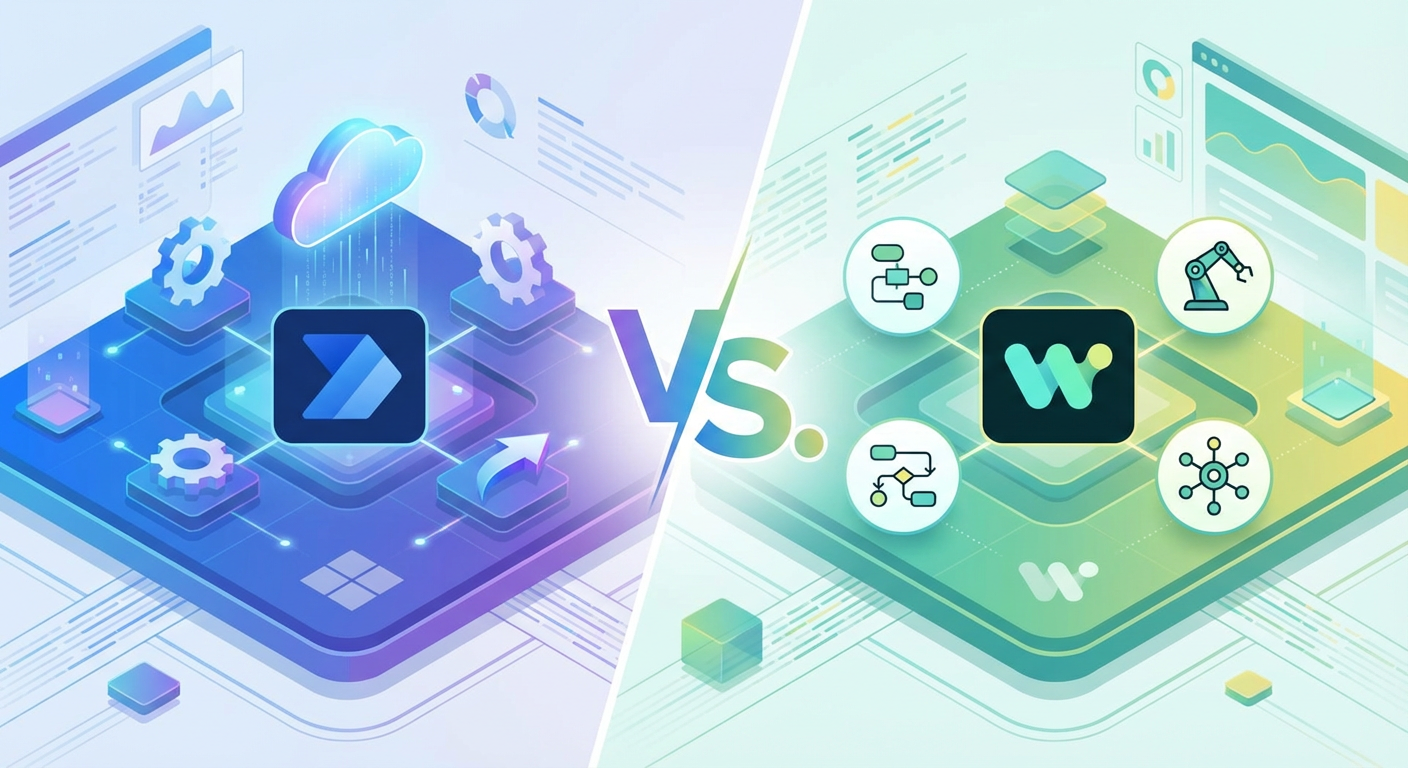
If your organization is evaluating Power Automate vs. Workato, you are likely grappling with a classic trade-off: Do you pay a premium for a specialized integration platform, or do you leverage the Microsoft ecosystem you already own?
As Power Automate experts, FlowDevs helps businesses save thousands in licensing fees by migrating to the Microsoft Power Platform. In this honest comparison, we break down the pricing, scalability, and "hidden" costs of both tools to help you decide.
At a Glance: The "Cheatsheet" Comparison
If you only have 30 seconds, here is the verdict:
Round 1: Who is it Best For?
- Microsoft Power Automate: Organizations already living in the Microsoft ecosystem (Office 365, Dynamics, Azure). If you use Teams or SharePoint, this is your native language.
- Workato: Companies with a complex, fragmented tech stack that has zero Microsoft footprint. It shines when you need to connect disparate, legacy systems.
Round 2: The Pricing Model
- Microsoft Power Automate: Per User or Per Flow. Most Enterprise (E3/E5) users already have "seeded" rights, meaning you might already own it. Premium plans are affordable (starting ~$15/user/month), and you can scale high-volume tasks using Azure Logic Apps consumption pricing.
- Workato: Platform Fee + Task Volume. Workato is a premium investment. Contracts are quote-based and often start in the five-figure range annually ($10k+). You pay for the platform access plus the volume of data you process.
Round 3: The Learning Curve
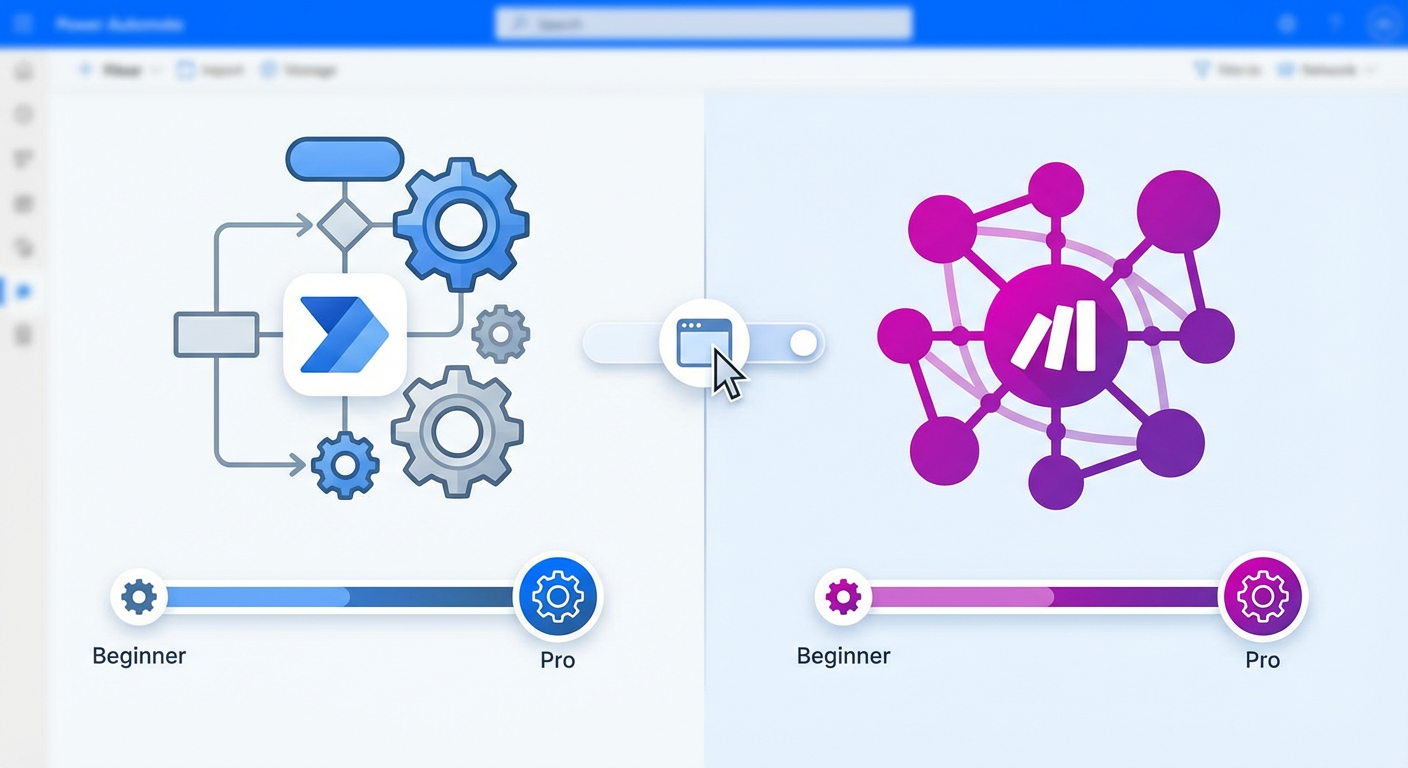
- Microsoft Power Automate: Low to Medium. Designed for the "Citizen Developer," it allows marketing or HR staff to build simple flows without IT help.
- Workato: Medium to High. While it uses a polished "Recipe" interface, it is a distinct platform requiring dedicated training. It is an IT tool, not a personal productivity tool.
Round 4: Our Verdict
- The Winner for 90% of Enterprises: Microsoft Power Automate. It offers the best balance of power, price, and ecosystem integration.
- The Niche Specialist: Workato. An excellent choice if budget is less of a concern than connecting highly obscure, non-Microsoft applications.
1. Pricing: The "Hidden Cost" of Workato
One of the most common search queries we see is "Workato pricing." Why? Because Workato typically doesn't publish it. It is a premium, enterprise-grade tool where contracts often start in the five-figure range and scale up based on "tasks" (data transactions).
Power Automate, on the other hand, wins on transparency and ROI:
- Included Licenses: Most Enterprise (E3/E5) users already have "seeded" Power Automate rights.
- Per User Plans: Premium plans start around $15/user/month.
- Pay-as-you-go: With Azure Logic Apps (the engine behind Power Automate), you can pay per execution for high-scale workflows.
The FlowDevs Take: If you are already paying for Microsoft 365, buying Workato is like renting a second apartment when you have an empty guest room at home.
2. Ease of Use: Flows vs. Recipes
Both platforms claim to be "Low-Code," but they target different users.
Power Automate (The Democratizer)
Power Automate is designed for mass adoption. Because it shares the UI DNA of Excel and Outlook, your marketing and HR teams can build simple automations (like "Save email attachment to SharePoint") without IT intervention.
- Key Advantage: It empowers Citizen Developers to solve their own problems, reducing the backlog for your IT department.
Workato (The Specialist)
Workato uses "Recipes." It is a polished, powerful interface, but it is a distinct platform that requires training. It is less of a "personal productivity" tool and more of a "departmental integration" tool.
3. Scalability: Can Power Automate Handle Enterprise Data?
A common myth is that Power Automate is only for simple tasks. This is false.
Power Automate is built on Azure Logic Apps. When a client comes to FlowDevs with a massive, high-throughput requirement (e.g., processing 50,000 orders a night), we simply transition the architecture to Azure Logic Apps. You get enterprise-grade scalability, security, and governance without ever leaving the Microsoft tenant.
4. Migration: Moving from Workato to Power Automate
Are you stuck in an expensive Workato contract? Migrating to Power Automate is a common service FlowDevs provides.
- The Challenge: Workato "Recipes" logic doesn't copy-paste into Microsoft.
- The Solution: FlowDevs rebuilds your architecture using best practices (Solutions, Environment Variables, Connection References) to ensure your new system is more robust than the old one.
Conclusion: Which Tool Should You Choose?
Choose Workato if:
- You have no Microsoft infrastructure.
- You have a massive budget and extremely complex, non-standard integrations (e.g., legacy on-prem ERPs to obscure SaaS tools).
Choose Power Automate if:
- You use Microsoft Teams, SharePoint, or Dynamics 365.
- You want to maximize ROI on your existing software spend.
- You want a solution that scales from "Personal Productivity" to "Enterprise Orchestration."
Need a Power Automate Partner?
Don't navigate the automation landscape alone. Whether you need a full-scale migration from Workato or a Power Automate consultant to build your first solution, FlowDevs is here to help. Contact FlowDevs today.
If your organization is evaluating Power Automate vs. Workato, you are likely grappling with a classic trade-off: Do you pay a premium for a specialized integration platform, or do you leverage the Microsoft ecosystem you already own?
As Power Automate experts, FlowDevs helps businesses save thousands in licensing fees by migrating to the Microsoft Power Platform. In this honest comparison, we break down the pricing, scalability, and "hidden" costs of both tools to help you decide.
At a Glance: The "Cheatsheet" Comparison
If you only have 30 seconds, here is the verdict:
Round 1: Who is it Best For?
- Microsoft Power Automate: Organizations already living in the Microsoft ecosystem (Office 365, Dynamics, Azure). If you use Teams or SharePoint, this is your native language.
- Workato: Companies with a complex, fragmented tech stack that has zero Microsoft footprint. It shines when you need to connect disparate, legacy systems.
Round 2: The Pricing Model
- Microsoft Power Automate: Per User or Per Flow. Most Enterprise (E3/E5) users already have "seeded" rights, meaning you might already own it. Premium plans are affordable (starting ~$15/user/month), and you can scale high-volume tasks using Azure Logic Apps consumption pricing.
- Workato: Platform Fee + Task Volume. Workato is a premium investment. Contracts are quote-based and often start in the five-figure range annually ($10k+). You pay for the platform access plus the volume of data you process.
Round 3: The Learning Curve
- Microsoft Power Automate: Low to Medium. Designed for the "Citizen Developer," it allows marketing or HR staff to build simple flows without IT help.
- Workato: Medium to High. While it uses a polished "Recipe" interface, it is a distinct platform requiring dedicated training. It is an IT tool, not a personal productivity tool.
Round 4: Our Verdict
- The Winner for 90% of Enterprises: Microsoft Power Automate. It offers the best balance of power, price, and ecosystem integration.
- The Niche Specialist: Workato. An excellent choice if budget is less of a concern than connecting highly obscure, non-Microsoft applications.
1. Pricing: The "Hidden Cost" of Workato
One of the most common search queries we see is "Workato pricing." Why? Because Workato typically doesn't publish it. It is a premium, enterprise-grade tool where contracts often start in the five-figure range and scale up based on "tasks" (data transactions).
Power Automate, on the other hand, wins on transparency and ROI:
- Included Licenses: Most Enterprise (E3/E5) users already have "seeded" Power Automate rights.
- Per User Plans: Premium plans start around $15/user/month.
- Pay-as-you-go: With Azure Logic Apps (the engine behind Power Automate), you can pay per execution for high-scale workflows.
The FlowDevs Take: If you are already paying for Microsoft 365, buying Workato is like renting a second apartment when you have an empty guest room at home.
2. Ease of Use: Flows vs. Recipes
Both platforms claim to be "Low-Code," but they target different users.
Power Automate (The Democratizer)
Power Automate is designed for mass adoption. Because it shares the UI DNA of Excel and Outlook, your marketing and HR teams can build simple automations (like "Save email attachment to SharePoint") without IT intervention.
- Key Advantage: It empowers Citizen Developers to solve their own problems, reducing the backlog for your IT department.
Workato (The Specialist)
Workato uses "Recipes." It is a polished, powerful interface, but it is a distinct platform that requires training. It is less of a "personal productivity" tool and more of a "departmental integration" tool.
3. Scalability: Can Power Automate Handle Enterprise Data?
A common myth is that Power Automate is only for simple tasks. This is false.
Power Automate is built on Azure Logic Apps. When a client comes to FlowDevs with a massive, high-throughput requirement (e.g., processing 50,000 orders a night), we simply transition the architecture to Azure Logic Apps. You get enterprise-grade scalability, security, and governance without ever leaving the Microsoft tenant.
4. Migration: Moving from Workato to Power Automate
Are you stuck in an expensive Workato contract? Migrating to Power Automate is a common service FlowDevs provides.
- The Challenge: Workato "Recipes" logic doesn't copy-paste into Microsoft.
- The Solution: FlowDevs rebuilds your architecture using best practices (Solutions, Environment Variables, Connection References) to ensure your new system is more robust than the old one.
Conclusion: Which Tool Should You Choose?
Choose Workato if:
- You have no Microsoft infrastructure.
- You have a massive budget and extremely complex, non-standard integrations (e.g., legacy on-prem ERPs to obscure SaaS tools).
Choose Power Automate if:
- You use Microsoft Teams, SharePoint, or Dynamics 365.
- You want to maximize ROI on your existing software spend.
- You want a solution that scales from "Personal Productivity" to "Enterprise Orchestration."
Need a Power Automate Partner?
Don't navigate the automation landscape alone. Whether you need a full-scale migration from Workato or a Power Automate consultant to build your first solution, FlowDevs is here to help. Contact FlowDevs today.