.jpg)

Precision in digital systems is not just about executing tasks successfully; it is also about accurately measuring and reporting on those tasks. For businesses relying on consumption-based pricing or usage metering, ensuring that data reflects reality is critical. We have released a focused update to QB-Flow that addresses this exact need, specifically regarding how Stripe meter events are handled in environments where QuickBooks may not be present.
The Challenge: Accurate Usage Reporting
In automated environments, scripts and tools often run across a variety of machines. Occasionally, an update agent might run on a machine where the target software—in this case, QuickBooks—is not actually installed. Previously, QB-Flow would attempt to process the update and trigger a meter event to Stripe regardless of the local environment state.
This created a discrepancy in data. Meter events are intended to reflect real, successful QuickBooks update activity. If the application is not installed, there is nothing to update. Sending a meter event in these scenarios inflates usage metrics and creates unnecessary noise in billing reports. To solve this, we needed a way to validate the environment before reporting usage.
Introducing the Check Installed Switch
We have added a new switch to the QB-Flow command line logic: /checkinstalled. This feature allows the application to detect the presence of QuickBooks before attempting to fire a meter event.
When this switch is utilized, QB-Flow performs a validation process:
- It checks the system registry for QuickBooks footprints.
- It verifies that a valid installation path exists on the disk.
If QuickBooks is missing, the meter event is suppressed. Crucially, the rest of the workflow continues to function. License checks and other non-metered logic run as expected, ensuring that the system remains stable even when the metering is skipped.
Implementation Guide
Using this new feature is straightforward. You simply need to append the switch to your standard execution command. Here is the format:
QB-flow.exe /customerid [CustomerID] /checkinstalled
By adding this simple parameter, you change the behavior of the application to be more context-aware.
Behavior Summary
Once implemented, the logic flow adheres to the following rules:
- If QuickBooks is installed: The process runs normally, and meter events are sent to Stripe as usual.
- If QuickBooks is not installed: Meter events are skipped entirely. The application continues to run necessary license checks, but no usage is reported to the billing engine.
Why This Matters for Intelligent Automation
At FlowDevs, our focus on intelligent automation extends to how systems report on themselves. By preventing "false positives" in your Stripe metering, we ensure that billing aligns strictly with value delivery. This update keeps usage reporting clean and builds trust in the automated infrastructure.
Whether you are managing complex integrations, building scalable cloud infrastructure, or looking to streamline your digital strategy, accuracy is key to long-term success. If you are looking to optimize your own business workflows or require assistance with custom application development, our team is ready to help to bring your technical vision to life.
To discuss your next project or system optimization, book a consultation with us today.
Precision in digital systems is not just about executing tasks successfully; it is also about accurately measuring and reporting on those tasks. For businesses relying on consumption-based pricing or usage metering, ensuring that data reflects reality is critical. We have released a focused update to QB-Flow that addresses this exact need, specifically regarding how Stripe meter events are handled in environments where QuickBooks may not be present.
The Challenge: Accurate Usage Reporting
In automated environments, scripts and tools often run across a variety of machines. Occasionally, an update agent might run on a machine where the target software—in this case, QuickBooks—is not actually installed. Previously, QB-Flow would attempt to process the update and trigger a meter event to Stripe regardless of the local environment state.
This created a discrepancy in data. Meter events are intended to reflect real, successful QuickBooks update activity. If the application is not installed, there is nothing to update. Sending a meter event in these scenarios inflates usage metrics and creates unnecessary noise in billing reports. To solve this, we needed a way to validate the environment before reporting usage.
Introducing the Check Installed Switch
We have added a new switch to the QB-Flow command line logic: /checkinstalled. This feature allows the application to detect the presence of QuickBooks before attempting to fire a meter event.
When this switch is utilized, QB-Flow performs a validation process:
- It checks the system registry for QuickBooks footprints.
- It verifies that a valid installation path exists on the disk.
If QuickBooks is missing, the meter event is suppressed. Crucially, the rest of the workflow continues to function. License checks and other non-metered logic run as expected, ensuring that the system remains stable even when the metering is skipped.
Implementation Guide
Using this new feature is straightforward. You simply need to append the switch to your standard execution command. Here is the format:
QB-flow.exe /customerid [CustomerID] /checkinstalled
By adding this simple parameter, you change the behavior of the application to be more context-aware.
Behavior Summary
Once implemented, the logic flow adheres to the following rules:
- If QuickBooks is installed: The process runs normally, and meter events are sent to Stripe as usual.
- If QuickBooks is not installed: Meter events are skipped entirely. The application continues to run necessary license checks, but no usage is reported to the billing engine.
Why This Matters for Intelligent Automation
At FlowDevs, our focus on intelligent automation extends to how systems report on themselves. By preventing "false positives" in your Stripe metering, we ensure that billing aligns strictly with value delivery. This update keeps usage reporting clean and builds trust in the automated infrastructure.
Whether you are managing complex integrations, building scalable cloud infrastructure, or looking to streamline your digital strategy, accuracy is key to long-term success. If you are looking to optimize your own business workflows or require assistance with custom application development, our team is ready to help to bring your technical vision to life.
To discuss your next project or system optimization, book a consultation with us today.
Related Blog Posts

From Chatbots to Agents: Building Autonomous Workflows with Microsoft Copilot Studio
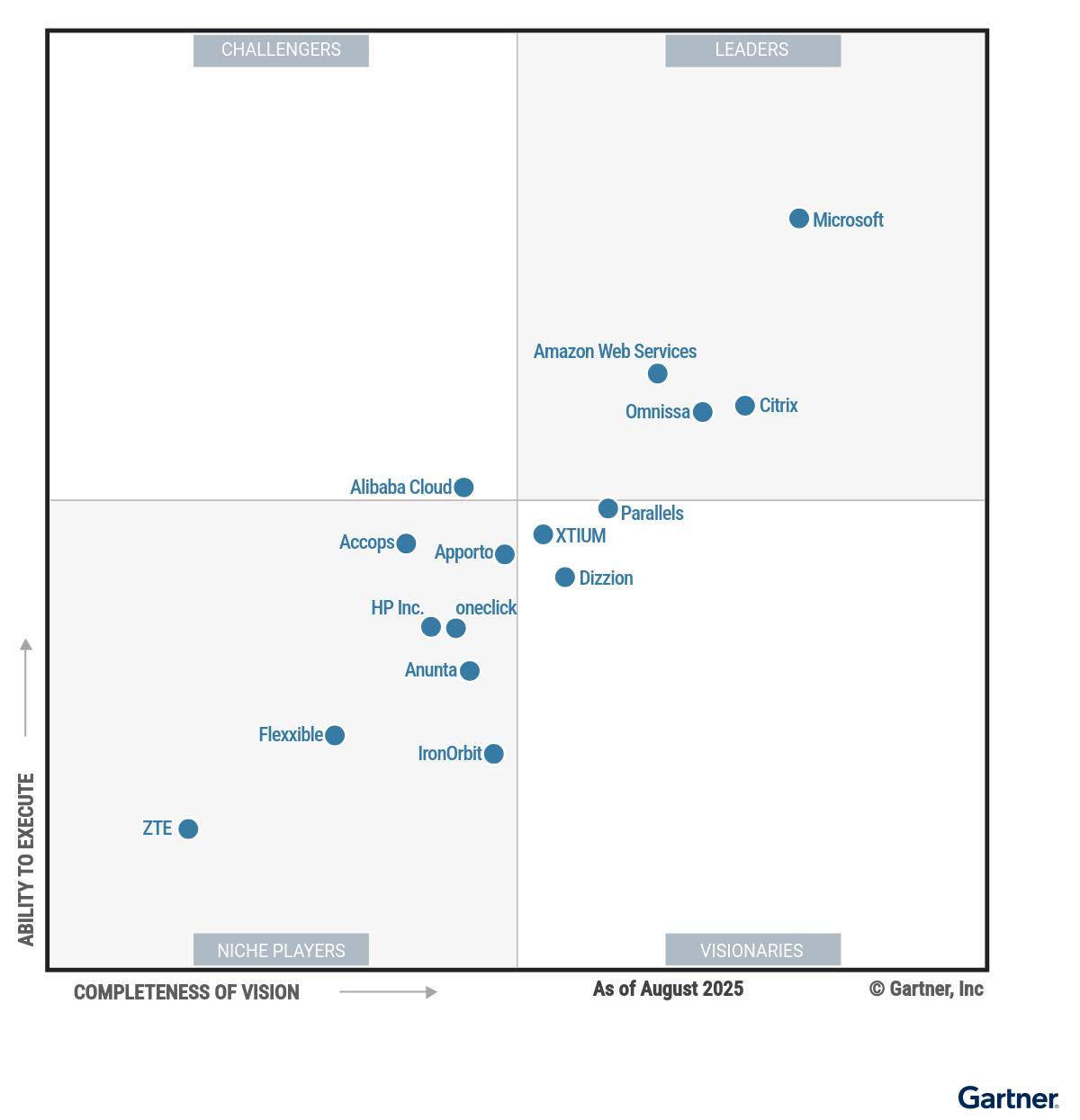
Key Takeaways from the 2025 Gartner Magic Quadrant for Desktop as a Service