Microsoft Power Platform vs. Google AppSheet & Looker Studio: The Ultimate Low-Code Comparison (2025)
.jpg)
In the race for digital transformation, low-code and no-code platforms have become the ultimate equalizer. They allow businesses to build custom applications, automate tedious workflows, and visualize data without hiring an army of software engineers.
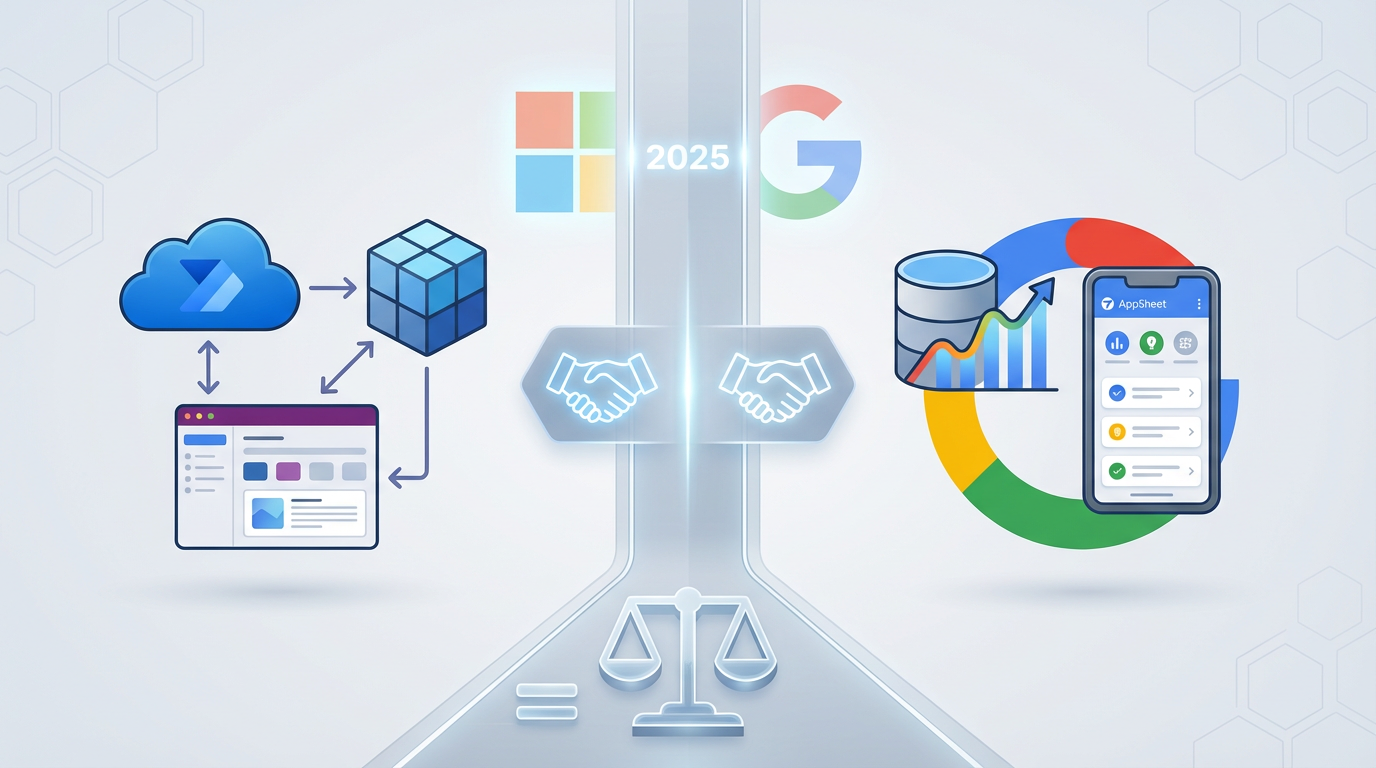
However, two giants dominate the conversation: Microsoft Power Platform and Google’s Suite (AppSheet & Looker Studio).
At FlowDevs, we often hear the same question: "Which platform is right for my business?" The answer depends heavily on your existing ecosystem, your budget, and how complex your needs are.
In this guide, we provide a deep-dive comparison of Microsoft vs. Google’s low-code tools, covering ease of use, feature depth, pricing, and integration, so you can make an educated decision.
The Contenders: An Overview
Before we compare them head-to-head, let’s define what makes up each ecosystem.
1. Microsoft Power Platform
Microsoft offers a unified, "single-stack" approach. It is deeply integrated with Azure and Microsoft 365.
- Power Apps: Drag-and-drop web and mobile app building (Canvas & Model-driven).
- Power Automate: Workflow automation (formerly Microsoft Flow) including RPA for desktop tasks.
- Power BI: Enterprise-grade data visualization and analytics.
- Power Pages: External-facing business websites.
- Dataverse: A secure, cloud-based data storage solution that acts as the backbone for the platform.
2. Google’s Low-Code Ecosystem
Google’s approach is decentralized, utilizing specialized tools that integrate well with Google Workspace.
- AppSheet: A no-code app builder (acquired by Google) that generates apps directly from spreadsheet data.
- Looker Studio: (Formerly Google Data Studio) A web-based tool for reporting and dashboards.
- Google Apps Script: While not "no-code," this is often the bridge used for automation within the Google ecosystem.
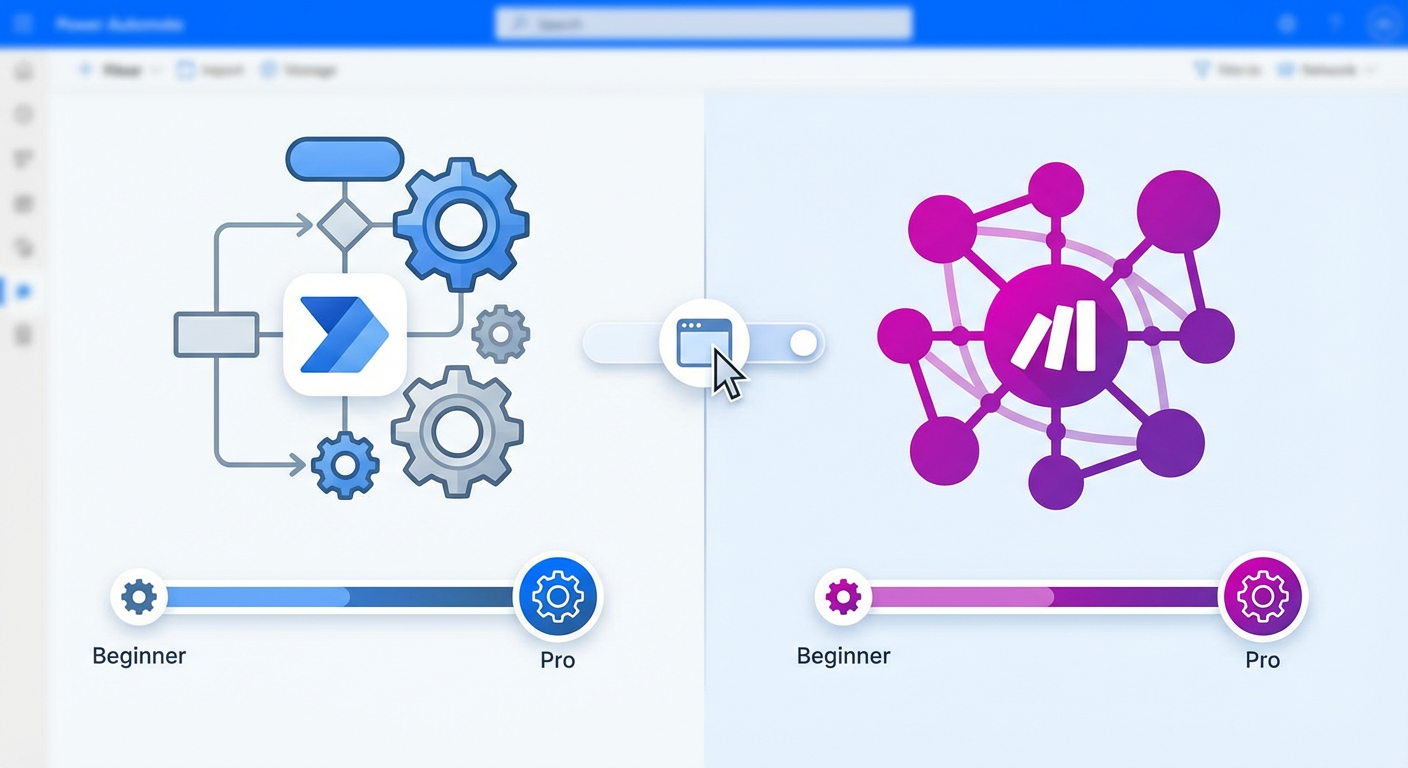
Round 1: Ease of Use for Beginners
Google AppSheet & Looker Studio: The "Instant" Win
If you are a complete novice, Google takes the lead.
- Speed to Value: You can literally connect a Google Sheet to AppSheet, and its AI will generate a working app structure in minutes.
- Interface: Looker Studio uses a drag-and-drop interface that feels very similar to other Google products. If you can use Gmail and Sheets, you can use these tools.
The Trade-off: The simplicity restricts you. You are often locked into the UI patterns Google provides.
Microsoft Power Platform: The Steep Learning Curve
Microsoft tools are more powerful but can be intimidating.
- Complexity: Opening Power Apps Studio feels like opening a developer environment. You have a formula bar (Power Fx) and property panels.
- Onboarding: While templates exist, mastering Power BI or Power Automate requires understanding logic, data modeling, and formulas.
The Payoff: Once learned, you have significantly more control over the final product than with Google.
Winner for Beginners: Google
Round 2: Feature Depth & Scalability
This is where the divide between "SMB tools" and "Enterprise tools" becomes clear.
Microsoft: Built for Enterprise Scale
Power Platform is designed to scale.
- Pixel-Perfect Design: Power Apps (Canvas) allows you to place pixels exactly where you want them. You can build branded, high-fidelity UI.
- Complex Logic: With Power Fx and Azure integration, you can handle complex business logic, loops, and variables that AppSheet struggles with.
- Big Data: Using Dataverse and DirectQuery in Power BI, Microsoft can handle millions of records. Google AppSheet often slows down significantly if it has to load thousands of rows onto a mobile device.
Google: Simplicity with Limits
AppSheet is excellent for standard data-entry apps (like inventory or field inspections), but it hits a ceiling.
- Rigid UI: You cannot drag a button to a specific coordinate in AppSheet; you must use their pre-set views.
- Data Limitations: Complex many-to-many relationships are difficult to model.
- Analytics: Looker Studio is great for surface-level dashboards, but it lacks the deep data modeling and DAX calculation capabilities found in Power BI.
Winner for Scale: Microsoft
Round 3: Integration & Ecosystem
The "best" platform often depends on what software you already use.
The Microsoft Ecosystem
- 400+ Connectors: Native connections to Salesforce, SAP, Oracle, SQL, and virtually every other major enterprise SaaS.
- Office 365 Integration: Trigger flows when an Outlook email arrives, or embed a Power BI report directly inside a Microsoft Teams channel.
- RPA: Power Automate Desktop can control legacy software that doesn't have an API (robotic clicks and keystrokes).
The Google Ecosystem
- Workspace Native: Seamless integration with Sheets, Drive, Forms, and BigQuery.
- External Data: Connectors exist (Salesforce, SQL), but they are fewer in number than Microsoft’s library.
- Automation: AppSheet has "Bots" for simple triggers (e.g., "Send email when row is added"), but for complex cross-system automation, you may need to resort to Google Apps Script (coding) or third-party tools like Zapier.
Verdict: If you are a Microsoft shop, Power Platform is a no-brainer. If you are a Google shop, AppSheet is the path of least resistance.
Round 4: Pricing Models
Pricing is complex for both, but here is the simplified breakdown.
| Feature | Microsoft Power Platform | Google AppSheet & Looker Studio |
|---|---|---|
| Entry Cost | Free Developer Plan (non-production). | Free for Looker Studio & basic AppSheet prototypes. |
| App Licenses | ~$5/user/app or ~$20/user/month (Unlimited). | Core: ~$10/user/month (Often included in Workspace Enterprise). |
| BI Licenses | Power BI Pro: ~$10/user/month. | Looker Studio: Free. (Pro version available). |
| Hidden Costs | Premium connectors and AI Builder credits cost extra. | Scaling often requires upgrading to Google Cloud/BigQuery. |
The Bottom Line: Google is generally cheaper for small teams and simple use cases. Microsoft’s per-user licensing can get expensive, but it offers better ROI for large enterprises replacing expensive custom software.
Summary Comparison Table
| Aspect | Microsoft Power Platform | Google (AppSheet / Looker) |
|---|---|---|
| Best For | Enterprise apps, complex workflows, deep analytics. | Quick mobile apps, simple dashboards, SMBs. |
| Learning Curve | High (Requires training). | Low (Citizen developer friendly). |
| UI Customization | High (Pixel-perfect control). | Low (Template-based). |
| Automation | Advanced (API + RPA Desktop automation). | Basic (Event-based triggers). |
| Data Capacity | High (Dataverse, SQL, Azure). | Low/Medium (Sheets performance limits). |
Conclusion: Which Should You Choose?
Choose Google AppSheet & Looker Studio if:
- You are heavily invested in Google Workspace (Gmail, Sheets, Drive).
- You need a solution today and don’t have technical resources.
- You are building simple mobile data-collection apps (inventory, inspections).
- Budget is your primary constraint.
Choose Microsoft Power Platform if:
- You use Microsoft 365, Dynamics, or Azure.
- You need "Pixel-Perfect" apps that match your company branding.
- You require complex automation (like approving documents across 3 different departments).
- You need to analyze massive datasets with granular security controls.
- Scalability is a priority.
Need Help Deciding?
At FlowDevs, we specialize in helping businesses automate workflows and build custom applications. Whether you need a rapid AppSheet prototype or a complex Power Platform enterprise architecture, we can help you navigate the low-code landscape.
In the race for digital transformation, low-code and no-code platforms have become the ultimate equalizer. They allow businesses to build custom applications, automate tedious workflows, and visualize data without hiring an army of software engineers.
However, two giants dominate the conversation: Microsoft Power Platform and Google’s Suite (AppSheet & Looker Studio).
At FlowDevs, we often hear the same question: "Which platform is right for my business?" The answer depends heavily on your existing ecosystem, your budget, and how complex your needs are.
In this guide, we provide a deep-dive comparison of Microsoft vs. Google’s low-code tools, covering ease of use, feature depth, pricing, and integration, so you can make an educated decision.
The Contenders: An Overview
Before we compare them head-to-head, let’s define what makes up each ecosystem.
1. Microsoft Power Platform
Microsoft offers a unified, "single-stack" approach. It is deeply integrated with Azure and Microsoft 365.
- Power Apps: Drag-and-drop web and mobile app building (Canvas & Model-driven).
- Power Automate: Workflow automation (formerly Microsoft Flow) including RPA for desktop tasks.
- Power BI: Enterprise-grade data visualization and analytics.
- Power Pages: External-facing business websites.
- Dataverse: A secure, cloud-based data storage solution that acts as the backbone for the platform.
2. Google’s Low-Code Ecosystem
Google’s approach is decentralized, utilizing specialized tools that integrate well with Google Workspace.
- AppSheet: A no-code app builder (acquired by Google) that generates apps directly from spreadsheet data.
- Looker Studio: (Formerly Google Data Studio) A web-based tool for reporting and dashboards.
- Google Apps Script: While not "no-code," this is often the bridge used for automation within the Google ecosystem.
Round 1: Ease of Use for Beginners
Google AppSheet & Looker Studio: The "Instant" Win
If you are a complete novice, Google takes the lead.
- Speed to Value: You can literally connect a Google Sheet to AppSheet, and its AI will generate a working app structure in minutes.
- Interface: Looker Studio uses a drag-and-drop interface that feels very similar to other Google products. If you can use Gmail and Sheets, you can use these tools.
The Trade-off: The simplicity restricts you. You are often locked into the UI patterns Google provides.
Microsoft Power Platform: The Steep Learning Curve
Microsoft tools are more powerful but can be intimidating.
- Complexity: Opening Power Apps Studio feels like opening a developer environment. You have a formula bar (Power Fx) and property panels.
- Onboarding: While templates exist, mastering Power BI or Power Automate requires understanding logic, data modeling, and formulas.
The Payoff: Once learned, you have significantly more control over the final product than with Google.
Winner for Beginners: Google
Round 2: Feature Depth & Scalability
This is where the divide between "SMB tools" and "Enterprise tools" becomes clear.
Microsoft: Built for Enterprise Scale
Power Platform is designed to scale.
- Pixel-Perfect Design: Power Apps (Canvas) allows you to place pixels exactly where you want them. You can build branded, high-fidelity UI.
- Complex Logic: With Power Fx and Azure integration, you can handle complex business logic, loops, and variables that AppSheet struggles with.
- Big Data: Using Dataverse and DirectQuery in Power BI, Microsoft can handle millions of records. Google AppSheet often slows down significantly if it has to load thousands of rows onto a mobile device.
Google: Simplicity with Limits
AppSheet is excellent for standard data-entry apps (like inventory or field inspections), but it hits a ceiling.
- Rigid UI: You cannot drag a button to a specific coordinate in AppSheet; you must use their pre-set views.
- Data Limitations: Complex many-to-many relationships are difficult to model.
- Analytics: Looker Studio is great for surface-level dashboards, but it lacks the deep data modeling and DAX calculation capabilities found in Power BI.
Winner for Scale: Microsoft
Round 3: Integration & Ecosystem
The "best" platform often depends on what software you already use.
The Microsoft Ecosystem
- 400+ Connectors: Native connections to Salesforce, SAP, Oracle, SQL, and virtually every other major enterprise SaaS.
- Office 365 Integration: Trigger flows when an Outlook email arrives, or embed a Power BI report directly inside a Microsoft Teams channel.
- RPA: Power Automate Desktop can control legacy software that doesn't have an API (robotic clicks and keystrokes).
The Google Ecosystem
- Workspace Native: Seamless integration with Sheets, Drive, Forms, and BigQuery.
- External Data: Connectors exist (Salesforce, SQL), but they are fewer in number than Microsoft’s library.
- Automation: AppSheet has "Bots" for simple triggers (e.g., "Send email when row is added"), but for complex cross-system automation, you may need to resort to Google Apps Script (coding) or third-party tools like Zapier.
Verdict: If you are a Microsoft shop, Power Platform is a no-brainer. If you are a Google shop, AppSheet is the path of least resistance.
Round 4: Pricing Models
Pricing is complex for both, but here is the simplified breakdown.
| Feature | Microsoft Power Platform | Google AppSheet & Looker Studio |
|---|---|---|
| Entry Cost | Free Developer Plan (non-production). | Free for Looker Studio & basic AppSheet prototypes. |
| App Licenses | ~$5/user/app or ~$20/user/month (Unlimited). | Core: ~$10/user/month (Often included in Workspace Enterprise). |
| BI Licenses | Power BI Pro: ~$10/user/month. | Looker Studio: Free. (Pro version available). |
| Hidden Costs | Premium connectors and AI Builder credits cost extra. | Scaling often requires upgrading to Google Cloud/BigQuery. |
The Bottom Line: Google is generally cheaper for small teams and simple use cases. Microsoft’s per-user licensing can get expensive, but it offers better ROI for large enterprises replacing expensive custom software.
Summary Comparison Table
| Aspect | Microsoft Power Platform | Google (AppSheet / Looker) |
|---|---|---|
| Best For | Enterprise apps, complex workflows, deep analytics. | Quick mobile apps, simple dashboards, SMBs. |
| Learning Curve | High (Requires training). | Low (Citizen developer friendly). |
| UI Customization | High (Pixel-perfect control). | Low (Template-based). |
| Automation | Advanced (API + RPA Desktop automation). | Basic (Event-based triggers). |
| Data Capacity | High (Dataverse, SQL, Azure). | Low/Medium (Sheets performance limits). |
Conclusion: Which Should You Choose?
Choose Google AppSheet & Looker Studio if:
- You are heavily invested in Google Workspace (Gmail, Sheets, Drive).
- You need a solution today and don’t have technical resources.
- You are building simple mobile data-collection apps (inventory, inspections).
- Budget is your primary constraint.
Choose Microsoft Power Platform if:
- You use Microsoft 365, Dynamics, or Azure.
- You need "Pixel-Perfect" apps that match your company branding.
- You require complex automation (like approving documents across 3 different departments).
- You need to analyze massive datasets with granular security controls.
- Scalability is a priority.
Need Help Deciding?
At FlowDevs, we specialize in helping businesses automate workflows and build custom applications. Whether you need a rapid AppSheet prototype or a complex Power Platform enterprise architecture, we can help you navigate the low-code landscape.