.jpg)
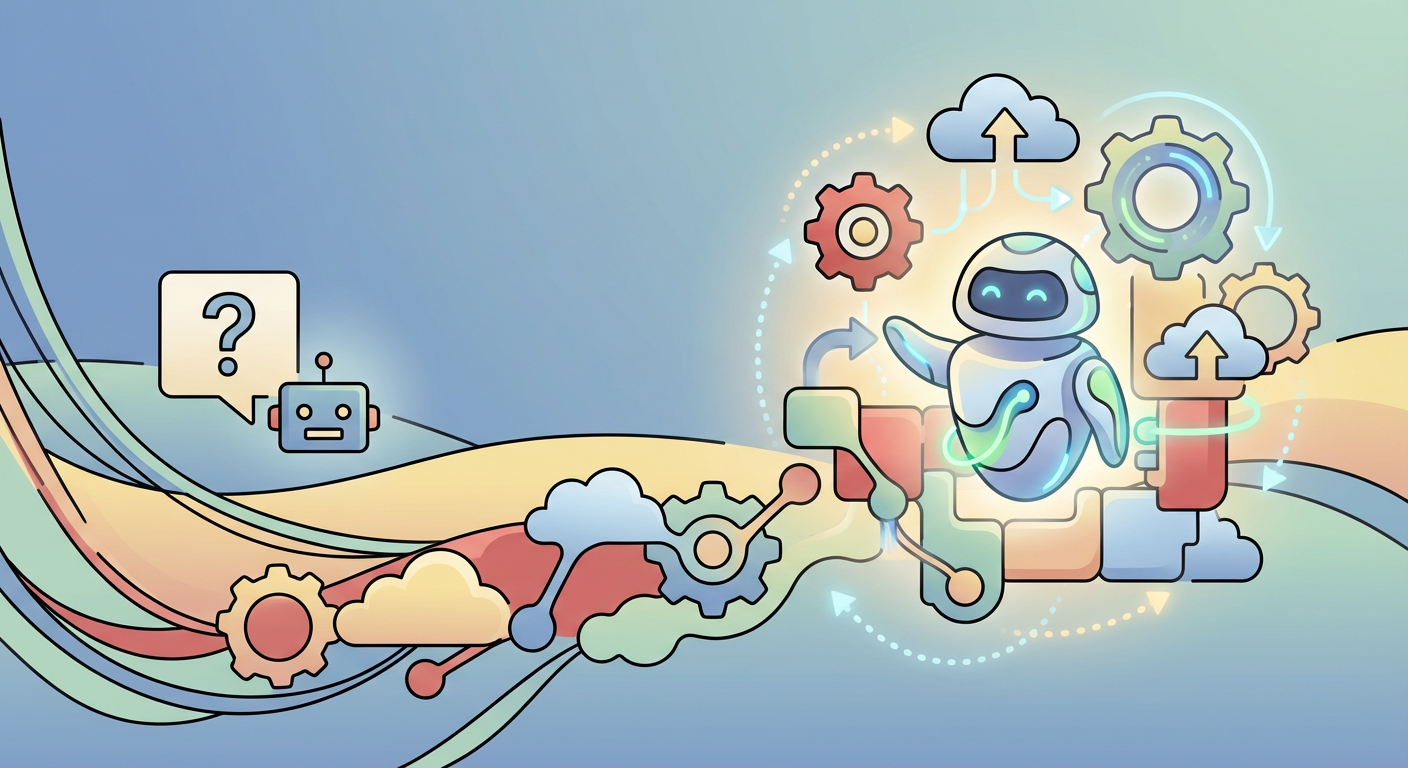
Remember the early days of chatbots? You would type a question, and nine times out of ten, you would get a pre-canned response that might vaguely resemble a link to a help article. If you were lucky, it answered your question. If you were unlucky, you ended up typing "representative" repeatedly until a human took over. That era is ending. We are witnessing a massive shift from passive chatbots to active, autonomous agents.
The tool leading this charge is Microsoft Copilot Studio. It is no longer just about building bots that can hold a conversation. It is about building intelligent systems that can perform complex tasks, make decisions based on logic, and execute workflows without a human needing to click a single button. As technologists who live and breathe automation, we want to walk you through how this works and why it changes the game for business efficiency.
From Conversation to Action
The true power of modern AI lies in its ability to bridge the gap between language and action. In the past, a workflow usually required a visual interface. You had to open an app, fill out a form, and click submit. Now, language is the interface.
When we talk about "autonomous workflows" in Copilot Studio, we are talking about a system that listens to a user's intent-what they actually want to achieve-and then reaches into your backend systems to make it happen. It turns a sentence like "I need to onboard a new developer effective next Monday" into a cascade of technical actions, such as provisioning licenses, setting up email accounts, and scheduling orientation meetings. These agents are designed to understand the nature of your work and act on your behalf, supporting various business roles, teams, and functions as highlighted by Microsoft.
The Anatomy of an Autonomous Copilot
How does Copilot Studio actually do this? It does not work by magic. It works by orchestration. To build a truly autonomous workflow, you need to understand three core components that act as the brain, the ears, and the hands of the operation.
1. Generative AI (The Brain)
Microsoft Copilot Studio utilizes large language models to understand context. It does not need exact keyword matches anymore. It can figure out that "I'm out of office next week" and "I need to book vacation time" are effectively requests for the same workflow. This flexibility allows users to interact naturally without memorizing a list of commands. Copilot Studio allows you to create your own AI agents with natural language, leveraging powerful models like GPT-5 and even Anthropic's models.
2. Topics and Triggers (The Ears)
While generative AI handles general chatter, specific business tasks rely on "Topics." A topic is a specific path of conversation designed to achieve a goal. You define triggers-phrases a user might say-to wake up that specific part of the Copilot. Once triggered, the Copilot takes control to gather the necessary information from the user, like dates, names, or project codes. Agents can resolve issues that require complex conversations and autonomously determine the best action to take based on instructions and context, coordinating language models, knowledge sources, and topics to accomplish goals as described in Microsoft Learn.
3. Plugins and Power Automate (The Hands)
This is where the magic happens. A smart brain is useless if it cannot interact with the world. Copilot Studio integrates natively with Power Automate. This means your Copilot can trigger a cloud flow. That cloud flow can connect to thousands of services, from Salesforce and SharePoint to legacy SQL databases and custom APIs. Copilot Studio's ability to connect to other data sources using prebuilt or custom connectors is a standout feature, enabling the orchestration of sophisticated logic.
When the Copilot has gathered the data it needs, it hands that data off to Power Automate. The flow executes the work in the background-creating files, sending approvals, updating records-and returns a success message to the Copilot, which then tells the user, "It's done."
A Real-World Scenario: The IT Support Agent
To visualize this, let's look at a common bottleneck: IT ticket creation. In a traditional setup, a user logs into a portal, finds the right category, and types out an issue. In an autonomous workflow built with Copilot Studio, it looks like this:
- User: "My laptop screen is flickering and I can't work."
- Copilot: Recognizes the intent is "Hardware Issue." It checks the user's profile to see what device is assigned to them.
- Copilot: "I see you are using a Surface Laptop 4. Is this the device having trouble?"
- User: "Yes."
- Copilot (Action): The bot triggers a Power Automate flow. This flow logs a high-priority ticket in Jira, checks the inventory database for a replacement unit, and sends a Slack message to the on-site technician.
- Copilot: "I have filed ticket #402. A replacement is available. Please visit the IT desk on the 4th floor for a swap."
This entire process happened autonomously. No human triage was required, and the user got an instant resolution path. This type of agent can also handle tasks like sales help, employee benefits inquiries, and public health tracking information without requiring data scientists or developers.
Why Strategy Matters More Than Code
The tools to build these agents are low-code, meaning you do not need to be a software engineer to click the blocks together. However, building an effective autonomous workflow requires an engineering mindset. You need to consider error handling, security permissions, and data integrity. If an autonomous agent has permission to delete files or approve expenses, you must ensure the logic is bulletproof. The low-code experience of Copilot Studio puts the power of AI at your fingertips, making it broadly accessible even without extensive technical background.
At FlowDevs, we specialize in the architecture behind these interactions. We ensure that when Copilot reaches for a connector, the handshaking between your chat interface and your sensitive business data is secure, efficient, and scalable. This commitment to privacy, security, and compliance is a core tenet of modern AI deployments, as seen with companies like McKinsey & Company and Thomson Reuters who are becoming "AI-first" by leveraging these tools.
Ready to Automate?
We believe that in the near future, every department will have its own Copilot. HR, Sales, and Operations will all have autonomous agents handling the repetitive administration tasks that currently slow down your team.
Whether you are looking to integrate Power Apps with a custom copilot or need a full-scale digital strategy to deploy intelligent automation across your enterprise, we are here to help you navigate this transition. We love solving these complex puzzles and turning them into streamlined successes.
If you are ready to move from simple chatbots to autonomous agents that drive real business results, let's have a conversation.
Remember the early days of chatbots? You would type a question, and nine times out of ten, you would get a pre-canned response that might vaguely resemble a link to a help article. If you were lucky, it answered your question. If you were unlucky, you ended up typing "representative" repeatedly until a human took over. That era is ending. We are witnessing a massive shift from passive chatbots to active, autonomous agents.
The tool leading this charge is Microsoft Copilot Studio. It is no longer just about building bots that can hold a conversation. It is about building intelligent systems that can perform complex tasks, make decisions based on logic, and execute workflows without a human needing to click a single button. As technologists who live and breathe automation, we want to walk you through how this works and why it changes the game for business efficiency.
From Conversation to Action
The true power of modern AI lies in its ability to bridge the gap between language and action. In the past, a workflow usually required a visual interface. You had to open an app, fill out a form, and click submit. Now, language is the interface.
When we talk about "autonomous workflows" in Copilot Studio, we are talking about a system that listens to a user's intent-what they actually want to achieve-and then reaches into your backend systems to make it happen. It turns a sentence like "I need to onboard a new developer effective next Monday" into a cascade of technical actions, such as provisioning licenses, setting up email accounts, and scheduling orientation meetings. These agents are designed to understand the nature of your work and act on your behalf, supporting various business roles, teams, and functions as highlighted by Microsoft.
The Anatomy of an Autonomous Copilot
How does Copilot Studio actually do this? It does not work by magic. It works by orchestration. To build a truly autonomous workflow, you need to understand three core components that act as the brain, the ears, and the hands of the operation.
1. Generative AI (The Brain)
Microsoft Copilot Studio utilizes large language models to understand context. It does not need exact keyword matches anymore. It can figure out that "I'm out of office next week" and "I need to book vacation time" are effectively requests for the same workflow. This flexibility allows users to interact naturally without memorizing a list of commands. Copilot Studio allows you to create your own AI agents with natural language, leveraging powerful models like GPT-5 and even Anthropic's models.
2. Topics and Triggers (The Ears)
While generative AI handles general chatter, specific business tasks rely on "Topics." A topic is a specific path of conversation designed to achieve a goal. You define triggers-phrases a user might say-to wake up that specific part of the Copilot. Once triggered, the Copilot takes control to gather the necessary information from the user, like dates, names, or project codes. Agents can resolve issues that require complex conversations and autonomously determine the best action to take based on instructions and context, coordinating language models, knowledge sources, and topics to accomplish goals as described in Microsoft Learn.
3. Plugins and Power Automate (The Hands)
This is where the magic happens. A smart brain is useless if it cannot interact with the world. Copilot Studio integrates natively with Power Automate. This means your Copilot can trigger a cloud flow. That cloud flow can connect to thousands of services, from Salesforce and SharePoint to legacy SQL databases and custom APIs. Copilot Studio's ability to connect to other data sources using prebuilt or custom connectors is a standout feature, enabling the orchestration of sophisticated logic.
When the Copilot has gathered the data it needs, it hands that data off to Power Automate. The flow executes the work in the background-creating files, sending approvals, updating records-and returns a success message to the Copilot, which then tells the user, "It's done."
A Real-World Scenario: The IT Support Agent
To visualize this, let's look at a common bottleneck: IT ticket creation. In a traditional setup, a user logs into a portal, finds the right category, and types out an issue. In an autonomous workflow built with Copilot Studio, it looks like this:
- User: "My laptop screen is flickering and I can't work."
- Copilot: Recognizes the intent is "Hardware Issue." It checks the user's profile to see what device is assigned to them.
- Copilot: "I see you are using a Surface Laptop 4. Is this the device having trouble?"
- User: "Yes."
- Copilot (Action): The bot triggers a Power Automate flow. This flow logs a high-priority ticket in Jira, checks the inventory database for a replacement unit, and sends a Slack message to the on-site technician.
- Copilot: "I have filed ticket #402. A replacement is available. Please visit the IT desk on the 4th floor for a swap."
This entire process happened autonomously. No human triage was required, and the user got an instant resolution path. This type of agent can also handle tasks like sales help, employee benefits inquiries, and public health tracking information without requiring data scientists or developers.
Why Strategy Matters More Than Code
The tools to build these agents are low-code, meaning you do not need to be a software engineer to click the blocks together. However, building an effective autonomous workflow requires an engineering mindset. You need to consider error handling, security permissions, and data integrity. If an autonomous agent has permission to delete files or approve expenses, you must ensure the logic is bulletproof. The low-code experience of Copilot Studio puts the power of AI at your fingertips, making it broadly accessible even without extensive technical background.
At FlowDevs, we specialize in the architecture behind these interactions. We ensure that when Copilot reaches for a connector, the handshaking between your chat interface and your sensitive business data is secure, efficient, and scalable. This commitment to privacy, security, and compliance is a core tenet of modern AI deployments, as seen with companies like McKinsey & Company and Thomson Reuters who are becoming "AI-first" by leveraging these tools.
Ready to Automate?
We believe that in the near future, every department will have its own Copilot. HR, Sales, and Operations will all have autonomous agents handling the repetitive administration tasks that currently slow down your team.
Whether you are looking to integrate Power Apps with a custom copilot or need a full-scale digital strategy to deploy intelligent automation across your enterprise, we are here to help you navigate this transition. We love solving these complex puzzles and turning them into streamlined successes.
If you are ready to move from simple chatbots to autonomous agents that drive real business results, let's have a conversation.
Related Blog Posts

Forecasting the Future: Microsoft Power Platform 2026 Release Wave 1
Key Takeaways from the 2025 Gartner Magic Quadrant for Desktop as a Service