.jpg)
The honeymoon phase with Generative AI is ending. By now, almost every business leader has played with ChatGPT or similar Large Language Models (LLMs). We have drafted emails, summarized long documents, and brainstormed marketing copy. The technology is impressive, but for many organizations, a frustrating realization is setting in: The AI is just talking.
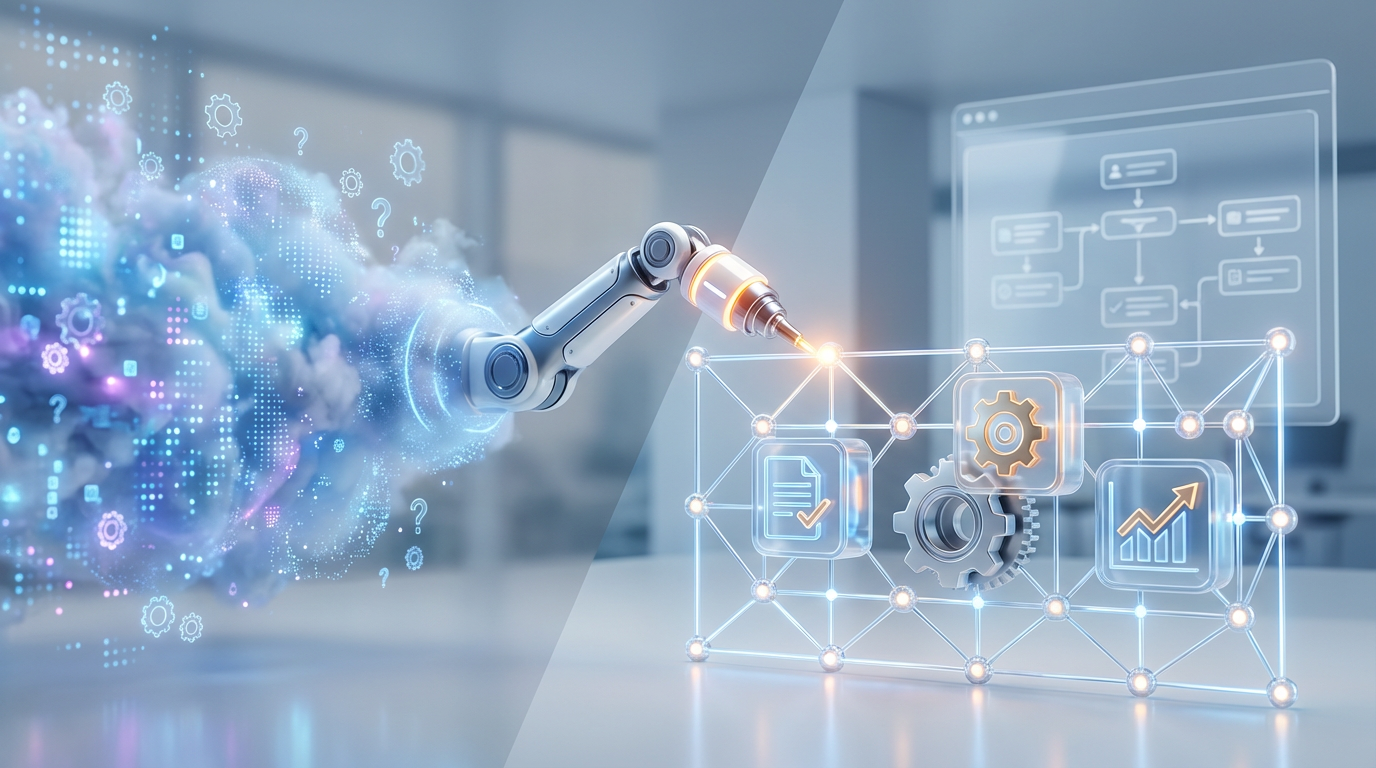
While generating text is useful, it is not the same as getting work done. To unlock real ROI, businesses need to shift their focus from chatbots that converse to AI Agents that execute. This is the difference between an AI that tells you how to format a spreadsheet and an AI that formats the spreadsheet, saves it to the cloud, and emails the link to your manager.
The Difference Between Chatbots and Agents
To understand the future of automation, it is critical to distinguish between these two implementations of artificial intelligence.
The Chatbot (The Consultant)
A standard chatbot relies on its training data or strictly retrieved documents to answer questions. It is passive. If you ask a chatbot about your inventory levels, it might explain how to check your ERP system, or if integrated with a database, it might tell you the current stock count. The interaction ends there.
The AI Agent (The Employee)
An AI Agent uses LLMs as a reasoning engine to determine necessary steps and then uses "tools" (APIs, connectors, and scripts) to perform actions. If you tell an Agent, "We are low on stock for Item X," the Agent autonomously checks the inventory, identifies the supplier, generates a purchase order, sends it to the vendor, and logs the transaction in your ERP.
The chatbot offers advice. The Agent performs the workflow.
How We Build Agents That Work
At FlowDevs, we move beyond simple text generation by leveraging intelligent automation platforms like Microsoft Power Automate and Copilot Studio. Building a functional Agent requires three distinct components:
1. The Trigger
Agents do not always need a human prompt. While some appear as chat interfaces, the most powerful agents run in the background. Triggers can be event-based, such as the receipt of an invoice in a specific inbox, a new row added to a database, or a specific date and time.
2. The Reasoning Engine
This is where the "AI" comes in. Instead of just matching keywords, the Agent uses an LLM to understand context. For example, when an email arrives from a client complaining about a delay, the AI analyzes the sentiment and extracts the core issue (e.g., "Order #12345 is late"). It decides that this requires an escalation path rather than a standard auto-reply.
3. The Tool Use
This is the hands of the operation. Once the AI decides what needs to be done, it utilizes integrations to interact with your digital systems. This might look like:
- CRM Updates: Automatically updating a lead's status in Dynamics 365 or Salesforce based on email context.
- Document Handling: Extracting data from PDF invoices and pushing it directly into accounting software.
- Team Coordination: Posting a summary of urgent tasks to a specific Microsoft Teams channel and tagging the relevant project manager.
Real-World Impact: Saving 10+ Hours a Week
The shift from chatting to doing is where we see exponential efficiency gains. One of our recent implementations focused on a client's onboarding process. Previously, HR staff had to manually take data from a new hire form, create a user in Active Directory, provision licenses, and send a welcome email.
We implemented an AI Agent workflow using Power Automate. Now, the process looks like this:
- The new hire submits a form.
- The Agent validates the data and uses AI to generate a standardized bio.
- The Agent connects to the IT infrastructure to create the account.
- The Agent drafts and sends a personalized welcome packet.
This reduced a 45-minute manual task to a zero-touch 30-second operation.
Moving Forward with Intelligent Automation
The era of AI as a novelty is over. As we integrate digital systems for modern businesses, our goal is to help you build solutions that do not just sit in a chat window but actively participate in your company's success. Whether it is through custom web applications or scalable cloud infrastructure, the integration of autonomous agents is the next logical step in digital strategy.
Stop settling for AI that just chats. If you are ready to reclaim your team's time and deploy agents that deliver real-world results, let's discuss your technical vision.
Ready to streamline your complex workflows? Book a consultation with us today at bookings.flowdevs.io.
The honeymoon phase with Generative AI is ending. By now, almost every business leader has played with ChatGPT or similar Large Language Models (LLMs). We have drafted emails, summarized long documents, and brainstormed marketing copy. The technology is impressive, but for many organizations, a frustrating realization is setting in: The AI is just talking.
While generating text is useful, it is not the same as getting work done. To unlock real ROI, businesses need to shift their focus from chatbots that converse to AI Agents that execute. This is the difference between an AI that tells you how to format a spreadsheet and an AI that formats the spreadsheet, saves it to the cloud, and emails the link to your manager.
The Difference Between Chatbots and Agents
To understand the future of automation, it is critical to distinguish between these two implementations of artificial intelligence.
The Chatbot (The Consultant)
A standard chatbot relies on its training data or strictly retrieved documents to answer questions. It is passive. If you ask a chatbot about your inventory levels, it might explain how to check your ERP system, or if integrated with a database, it might tell you the current stock count. The interaction ends there.
The AI Agent (The Employee)
An AI Agent uses LLMs as a reasoning engine to determine necessary steps and then uses "tools" (APIs, connectors, and scripts) to perform actions. If you tell an Agent, "We are low on stock for Item X," the Agent autonomously checks the inventory, identifies the supplier, generates a purchase order, sends it to the vendor, and logs the transaction in your ERP.
The chatbot offers advice. The Agent performs the workflow.
How We Build Agents That Work
At FlowDevs, we move beyond simple text generation by leveraging intelligent automation platforms like Microsoft Power Automate and Copilot Studio. Building a functional Agent requires three distinct components:
1. The Trigger
Agents do not always need a human prompt. While some appear as chat interfaces, the most powerful agents run in the background. Triggers can be event-based, such as the receipt of an invoice in a specific inbox, a new row added to a database, or a specific date and time.
2. The Reasoning Engine
This is where the "AI" comes in. Instead of just matching keywords, the Agent uses an LLM to understand context. For example, when an email arrives from a client complaining about a delay, the AI analyzes the sentiment and extracts the core issue (e.g., "Order #12345 is late"). It decides that this requires an escalation path rather than a standard auto-reply.
3. The Tool Use
This is the hands of the operation. Once the AI decides what needs to be done, it utilizes integrations to interact with your digital systems. This might look like:
- CRM Updates: Automatically updating a lead's status in Dynamics 365 or Salesforce based on email context.
- Document Handling: Extracting data from PDF invoices and pushing it directly into accounting software.
- Team Coordination: Posting a summary of urgent tasks to a specific Microsoft Teams channel and tagging the relevant project manager.
Real-World Impact: Saving 10+ Hours a Week
The shift from chatting to doing is where we see exponential efficiency gains. One of our recent implementations focused on a client's onboarding process. Previously, HR staff had to manually take data from a new hire form, create a user in Active Directory, provision licenses, and send a welcome email.
We implemented an AI Agent workflow using Power Automate. Now, the process looks like this:
- The new hire submits a form.
- The Agent validates the data and uses AI to generate a standardized bio.
- The Agent connects to the IT infrastructure to create the account.
- The Agent drafts and sends a personalized welcome packet.
This reduced a 45-minute manual task to a zero-touch 30-second operation.
Moving Forward with Intelligent Automation
The era of AI as a novelty is over. As we integrate digital systems for modern businesses, our goal is to help you build solutions that do not just sit in a chat window but actively participate in your company's success. Whether it is through custom web applications or scalable cloud infrastructure, the integration of autonomous agents is the next logical step in digital strategy.
Stop settling for AI that just chats. If you are ready to reclaim your team's time and deploy agents that deliver real-world results, let's discuss your technical vision.
Ready to streamline your complex workflows? Book a consultation with us today at bookings.flowdevs.io.
Related Blog Posts
From Chatbots to Agents: Building Autonomous Workflows with Microsoft Copilot Studio
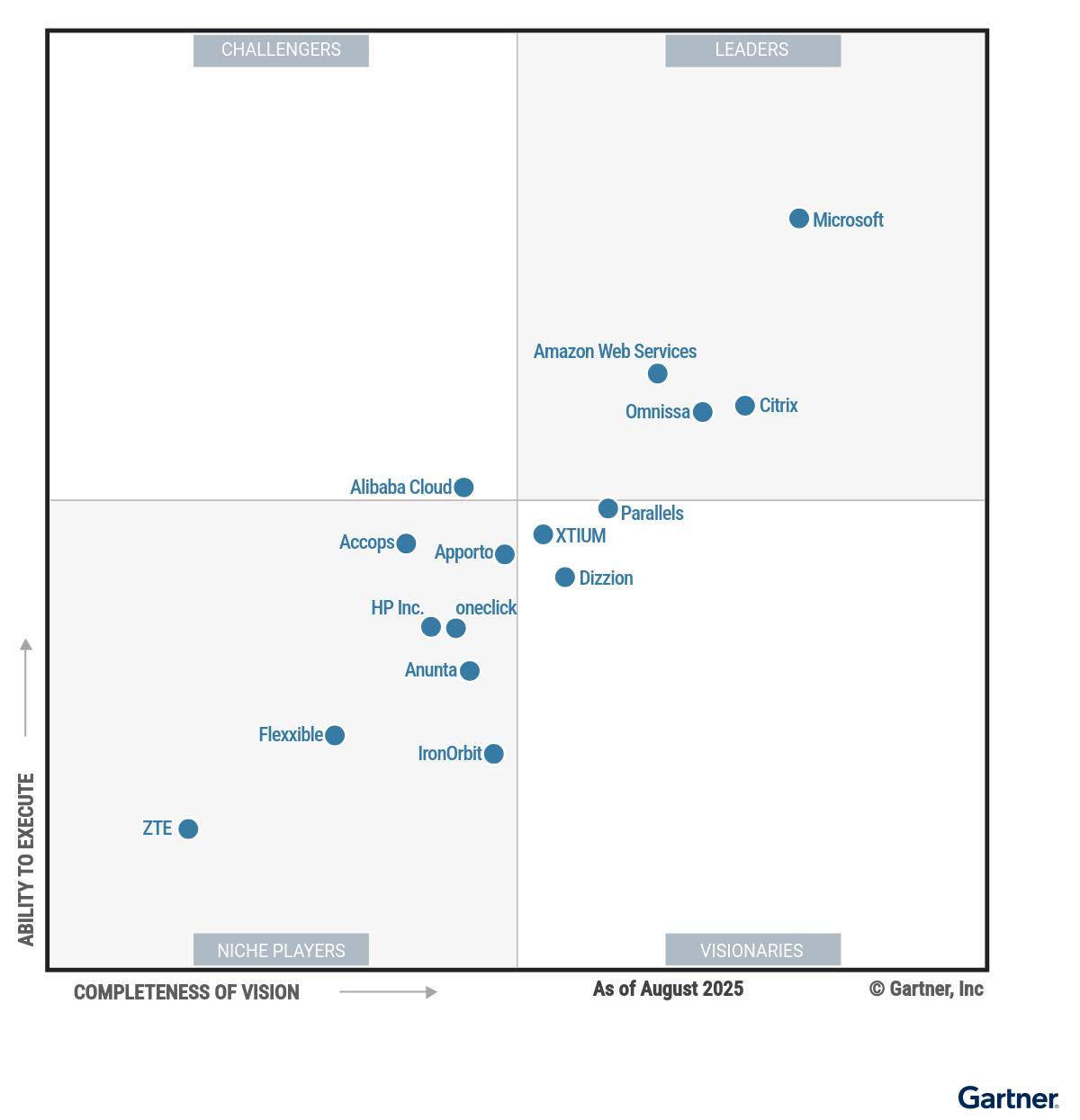
Key Takeaways from the 2025 Gartner Magic Quadrant for Desktop as a Service